 Cropped
Blog
Download
Cropped
Blog
Download
Blog /
Cropped so far
We're starting a weekly round-up of what's new in Cropped. Before the first one, here's how the app got to where it is at the start of October.
Cropped began with one job: make screenshots and photos smaller without opening anything. You drop a file on a small window, and it comes back cropped, resized and compressed, on your own computer.
#The Drop Zone
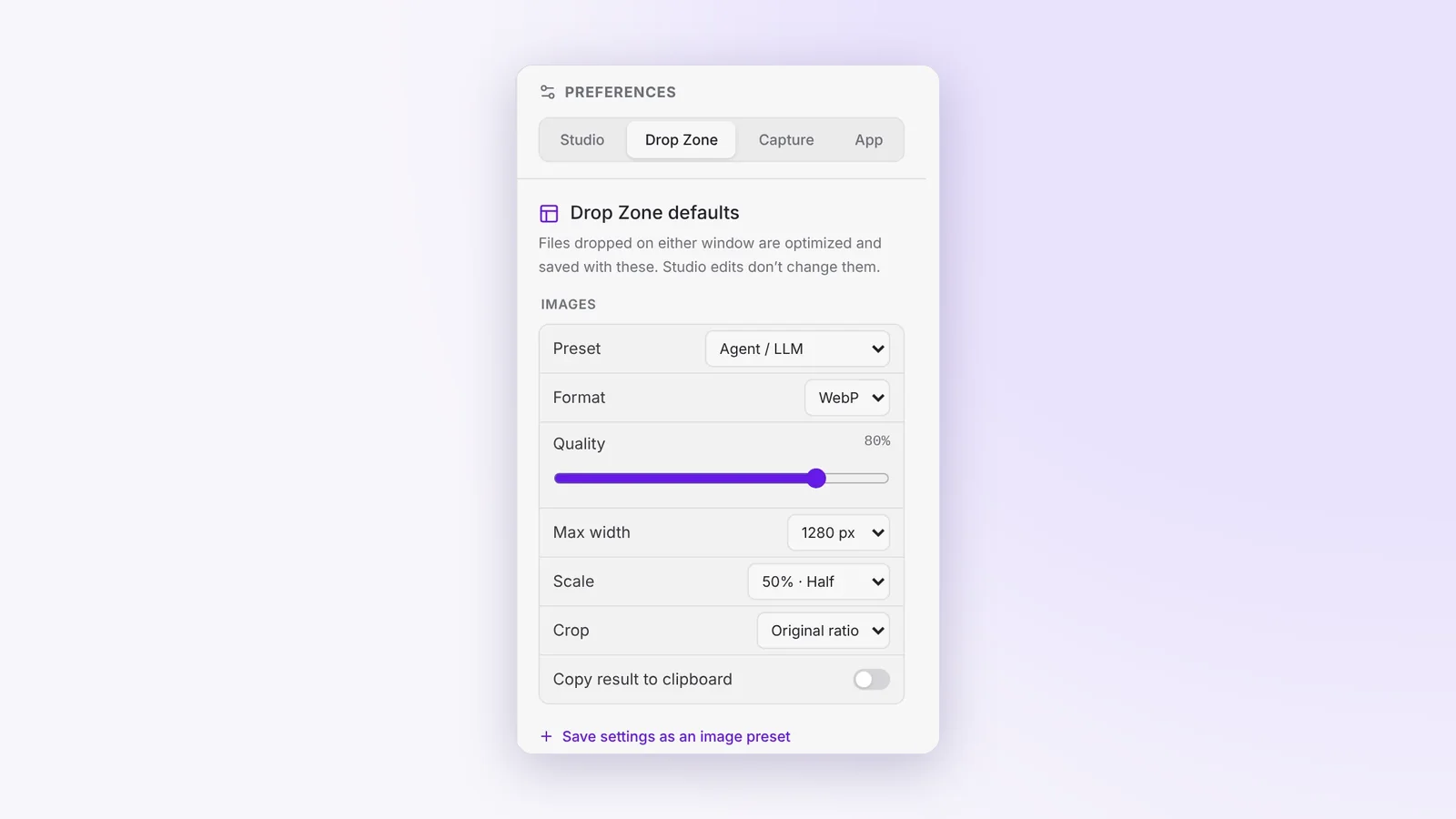
Drop an image on the Drop Zone and Cropped optimizes it straight away, with your crop ratio and scale. The Agent / LLM preset makes screenshots small enough to paste into Claude or ChatGPT without burning through tokens, and Cropped can copy the result to your clipboard when it's done.
#Every social size in one go
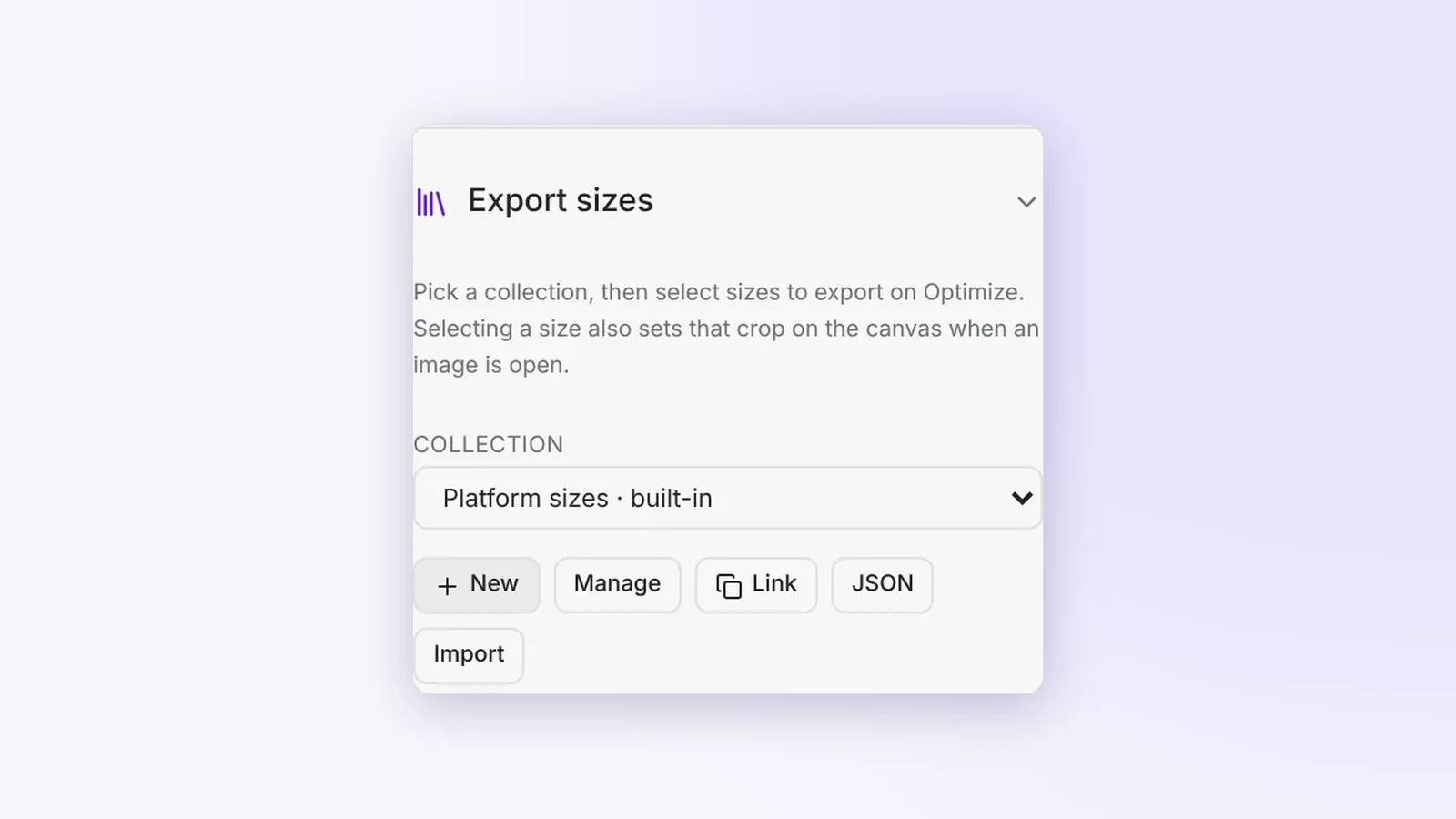
Pick a few platform sizes and one Optimize saves them all, with the size in each file name, like photo-cropped-instagram-1080x1080.webp. Smart crop keeps faces and the main subject in frame on your computer, and edge extend fills in when a size needs more picture than you have. Group your sizes into collections and share them with your team.
#One Studio for images and videos
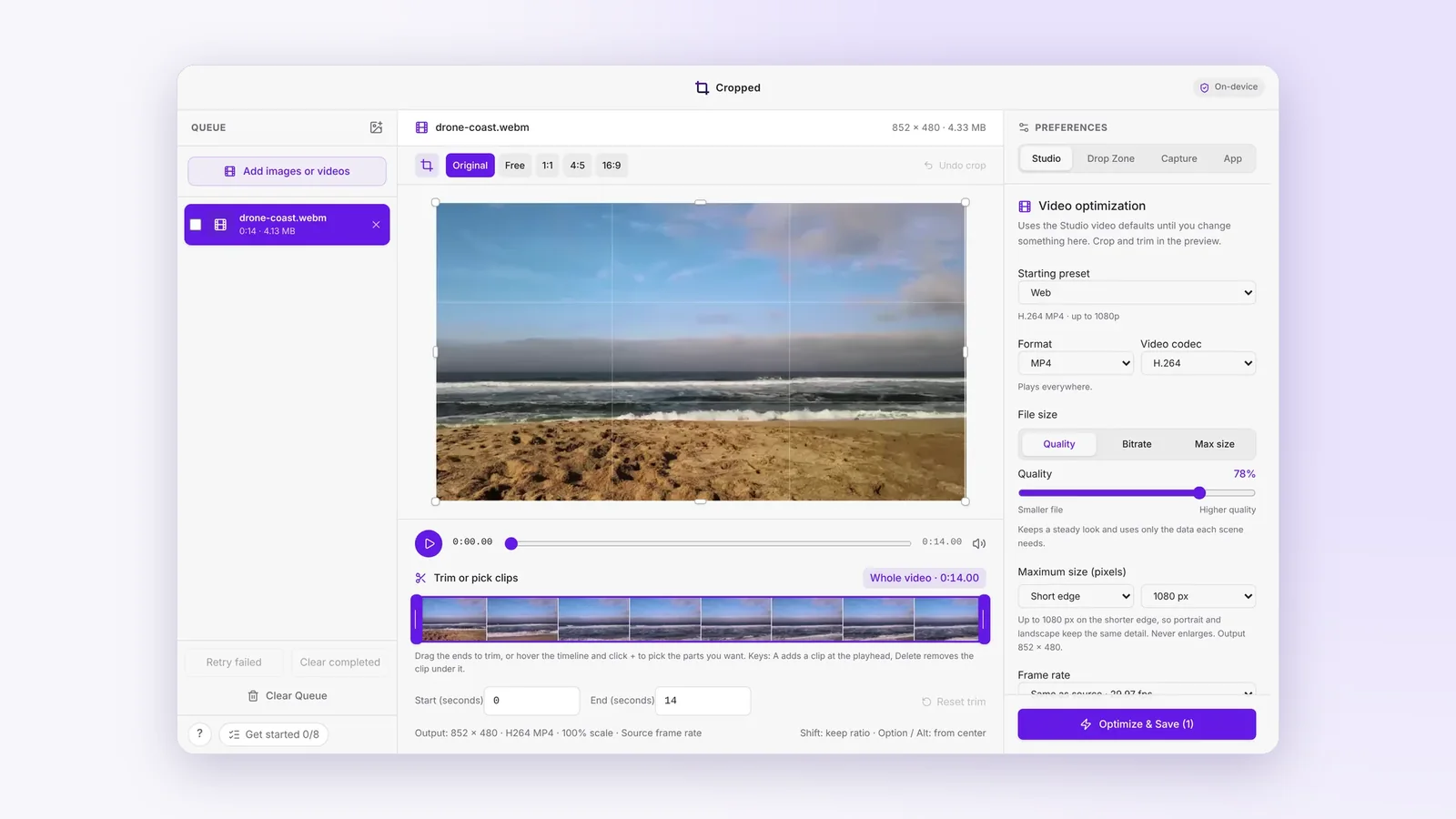
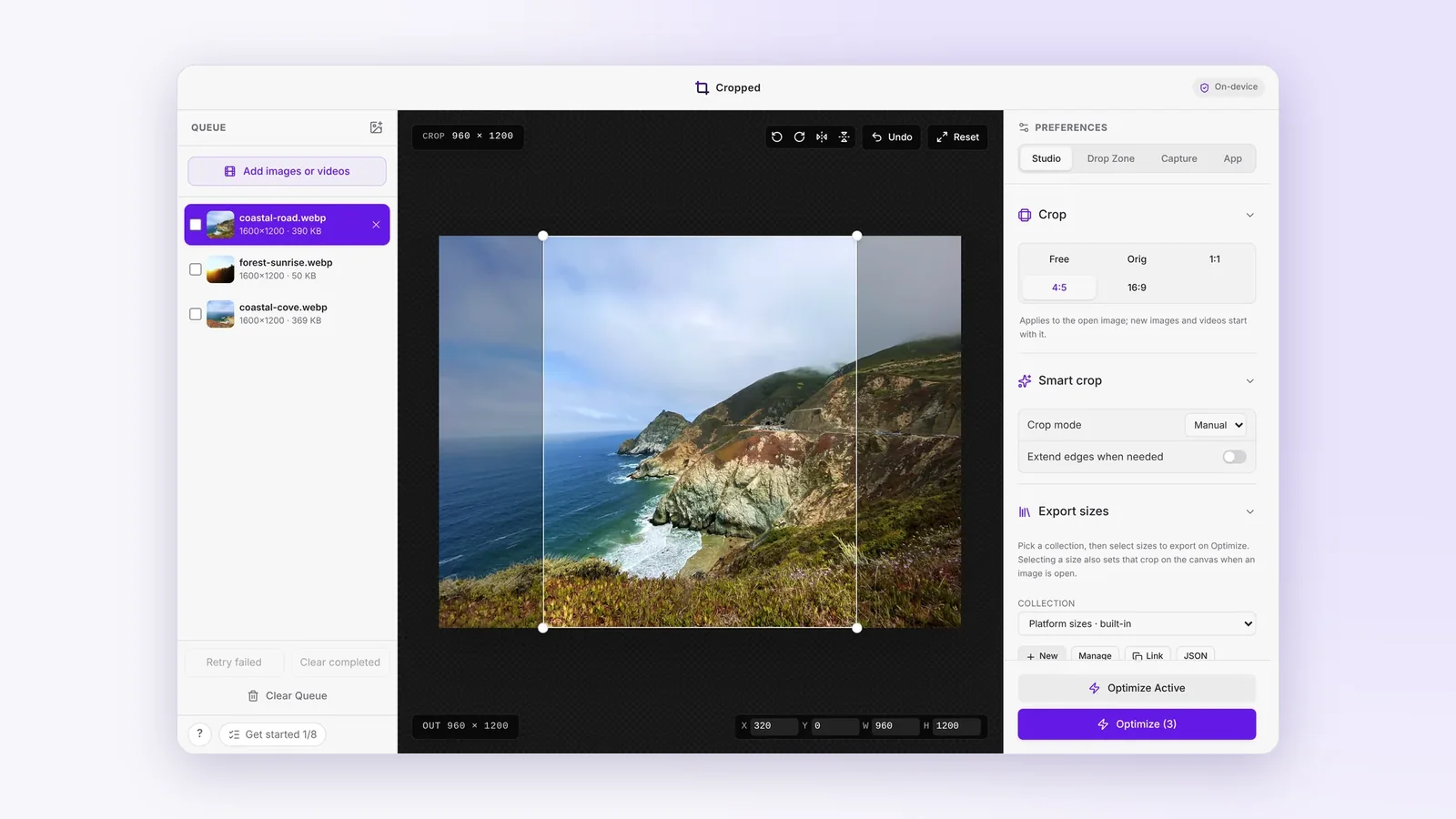
The Studio opens images and videos side by side in one queue. Crop visually, trim precisely and scale by a percentage, then see the real dimensions, duration, codec and how much smaller each file got. Save presets for the Studio and the Drop Zone, and turn animated GIFs into MP4s or the other way round, with loop, colour and dithering controls.
#Ready for real work
By the start of October, the Studio could rotate, flip and take an exact crop size, nudge the crop with the arrow keys, and aim a video export at a quality, a bitrate or a maximum file size. It got a full menu bar and keyboard shortcuts, and big batches stopped slowing the window down.
Cropped also gained a 14-day trial with no signup or card, and a lifetime license that works offline and includes every update.
Next week: screenshots and screen recordings. Every change so far is listed on Updates.