 Cropped
Blog
Download
Cropped
Blog
Download
Blog /
This week in Cropped: October 3 to 9
Until this week, Cropped was where you sent a picture or video after you'd made it. Now it makes them too. It takes screenshots and screen recordings on Mac, Windows and, new this week, Linux, and it has a proper video timeline for turning a recording into something you'd share. Your AI app can drive all of it.
#Screenshots and screen recordings
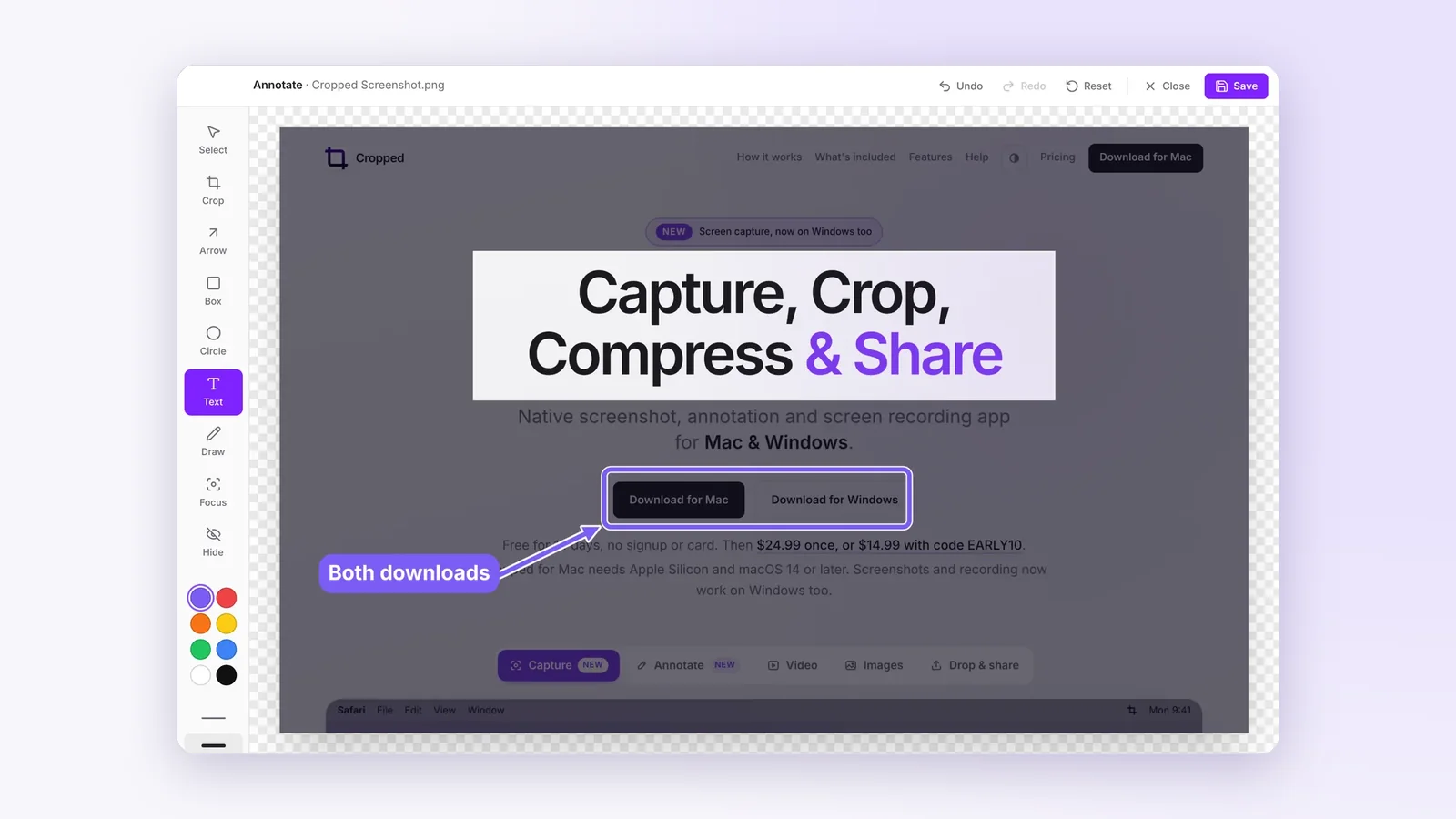
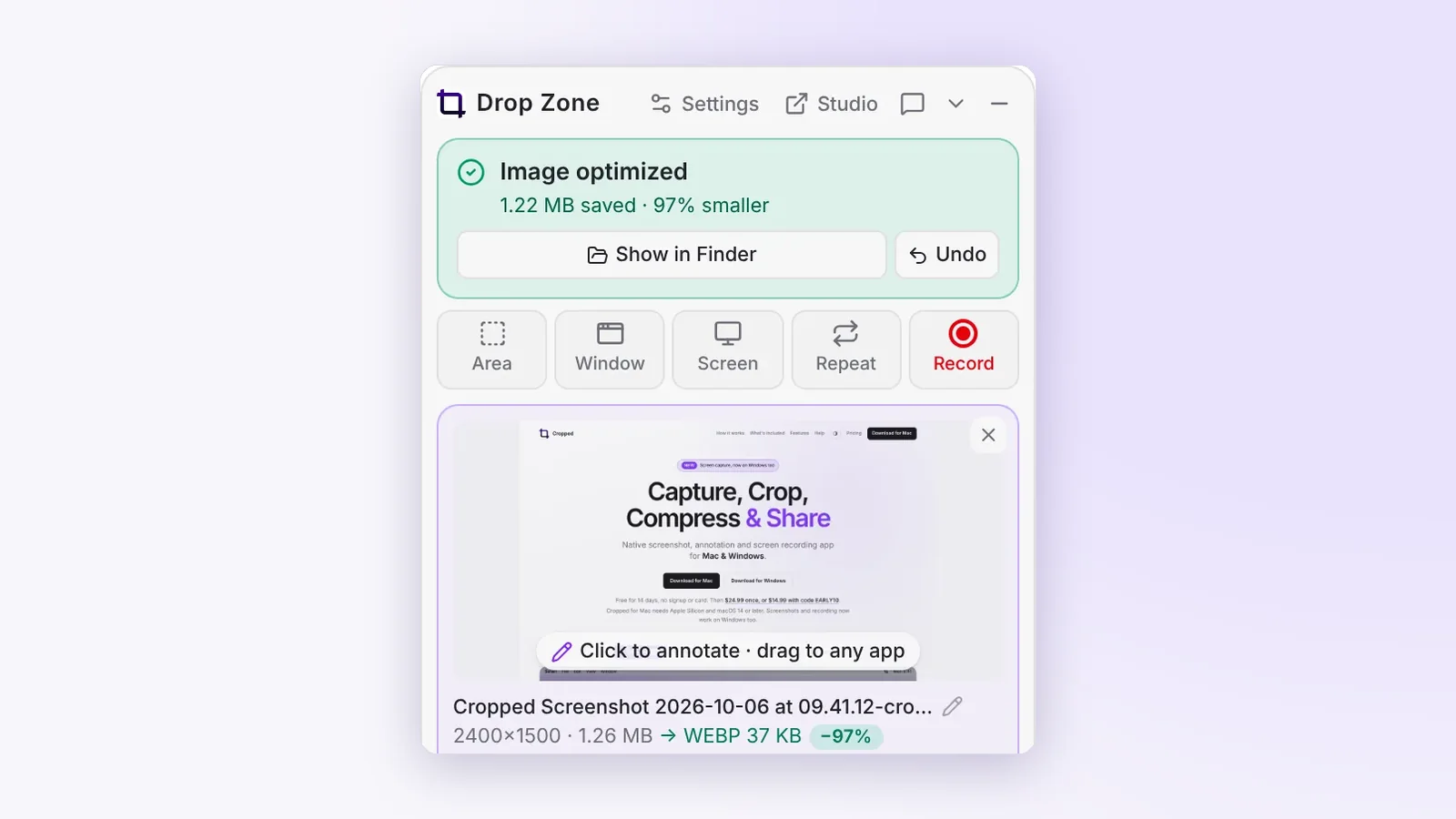
Press ⇧ Shift + ⌘ Command + 8 on a Mac, or Ctrl + Shift + 8 on Windows and Linux, to capture an area, a window or the whole screen. Mark up a screenshot with arrows, text, boxes and circles, crop it to a shape like 16:9 or 1:1, and drag it straight out of the Drop Zone into Slack, an email or an issue.
Recordings go up to 120 frames per second on 120 Hz screens, with your microphone, and on a Mac you can add a countdown and a camera bubble you can drag, resize and shape. Trim a recording right after you stop.
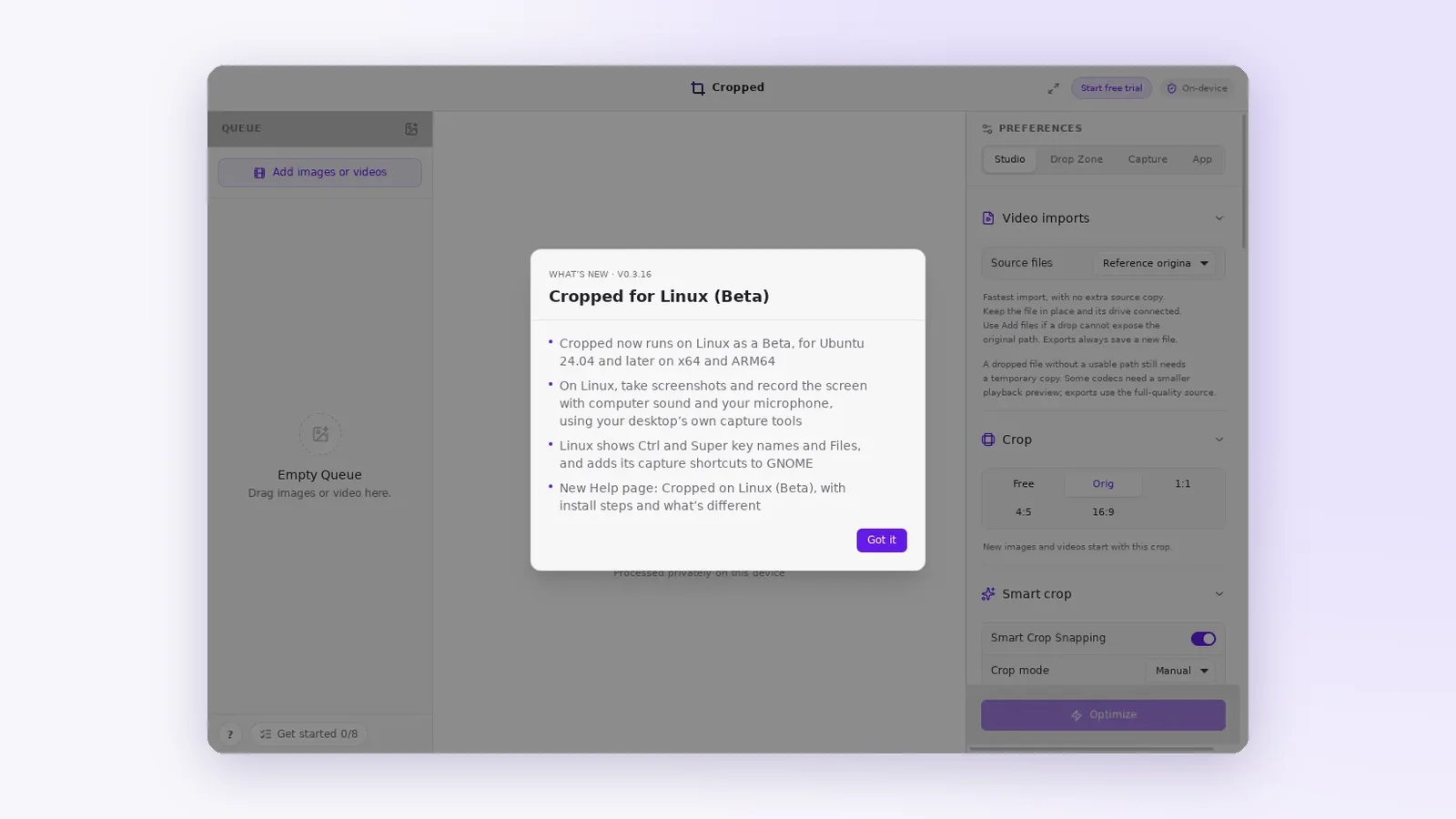
#Cropped for Linux (Beta)
Cropped now runs on Ubuntu 24.04 and later, on x64 and ARM64. It takes screenshots and records the screen with computer sound and your microphone using your desktop's own capture tools, adds its shortcuts to GNOME, and uses Ctrl and Super key names. The Linux Help page covers installing and what's different.
#One timeline for every video
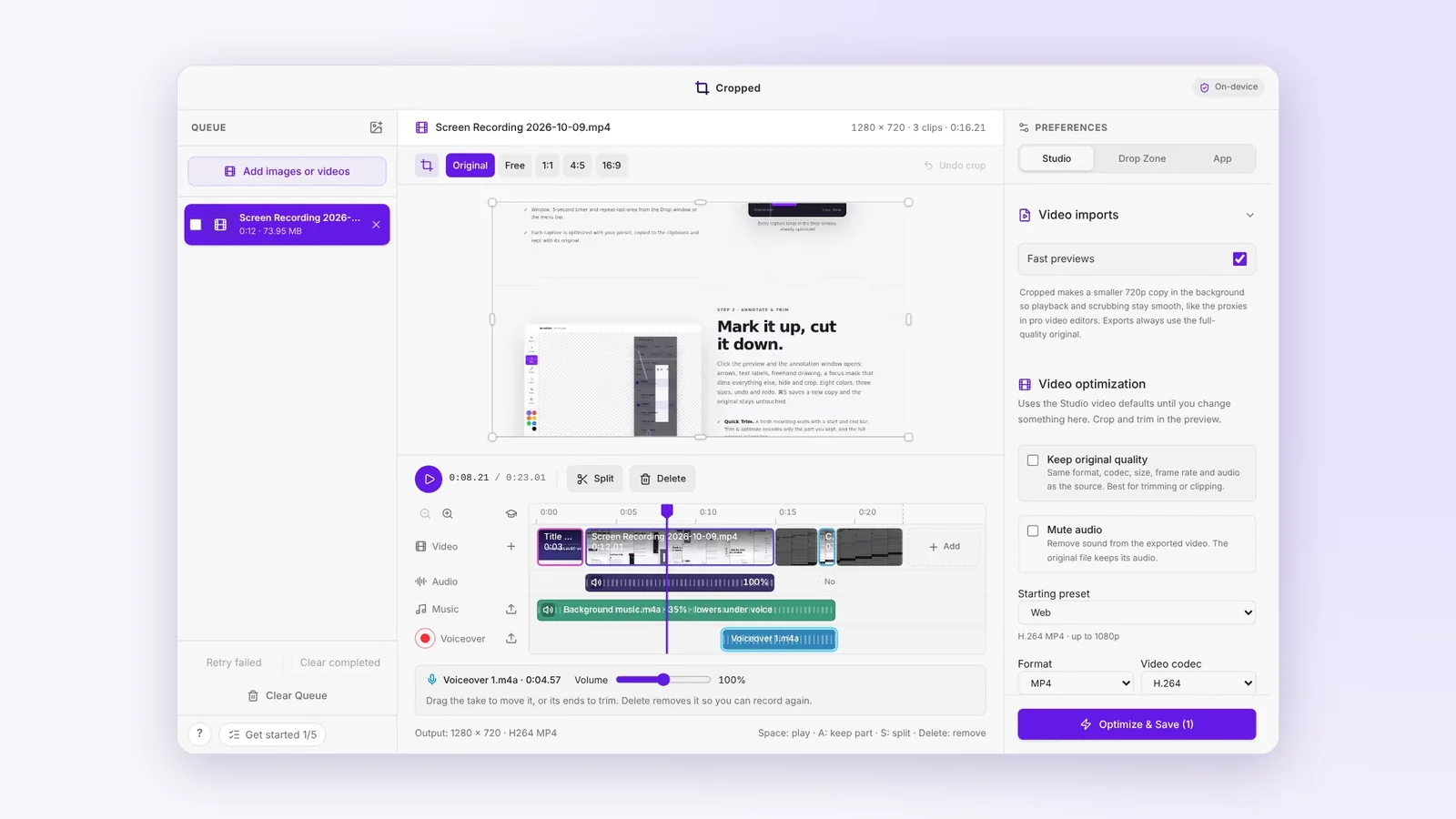
Drop several videos and pictures and edit them together on one timeline. Hover the timeline and click + to keep just the parts you want. Add your own music, record a voiceover, and set the volume of each clip's sound. The export mixes it all into one video, with the music softened under your voice.
For a product demo or a bug report, that covers what most people open Premiere for.
#Let your AI app do it
Connect Claude, Cursor or Codex to Cropped and ask them to take screenshots, mark them up, resize them for every social network or edit a video. It all happens on your computer. The AI tools page shows how to connect each one.
#Smaller files, faster
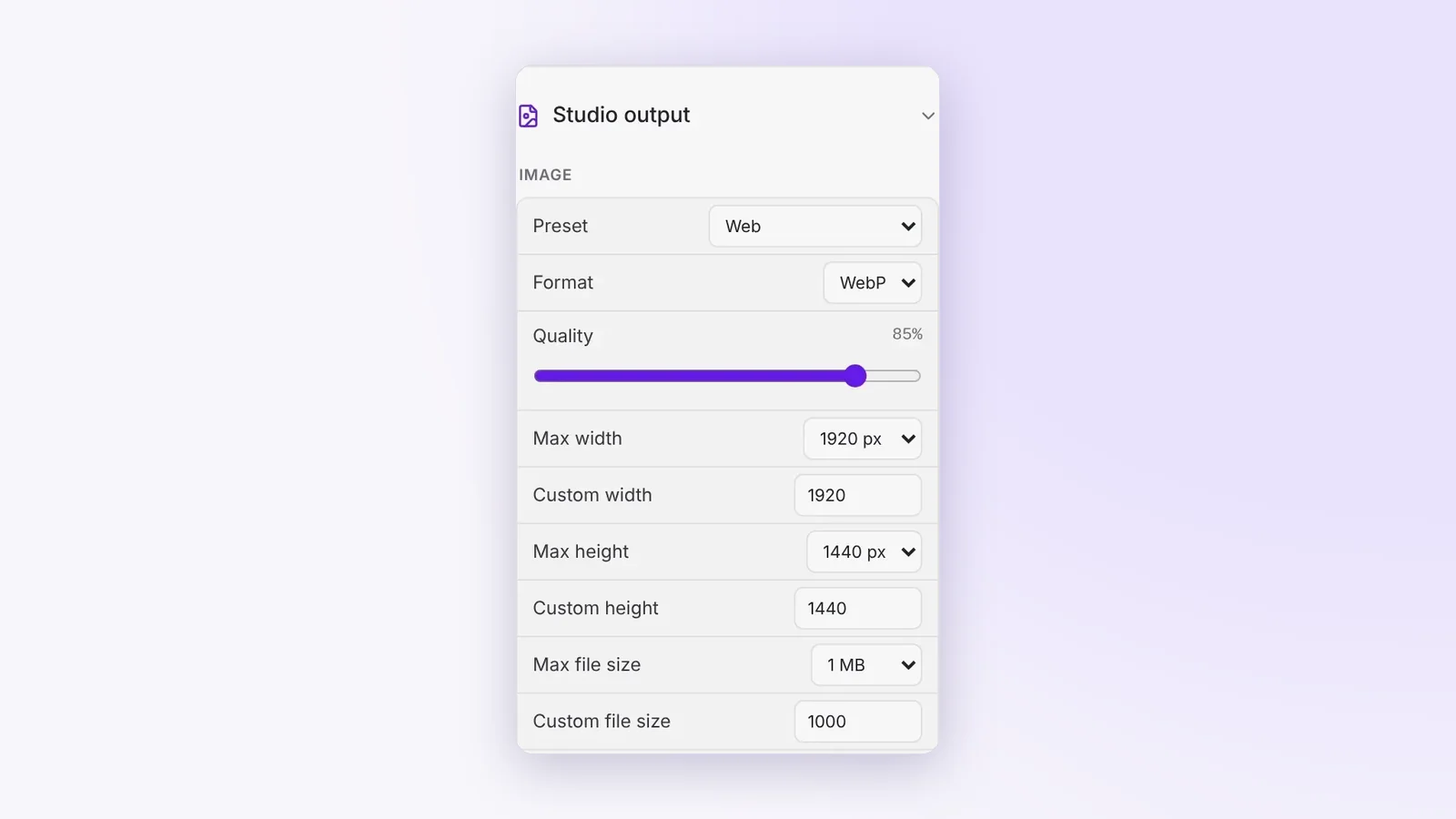
- Pick a maximum file size. Choose 100 KB to 10 MB, or type your own, and Cropped lowers the quality, then the size, until the image fits. There's a Max height setting for tall screenshots too.
- Exports are never bigger than the original. If re-saving would grow a file, Cropped keeps the original pixels and still strips the metadata.
- About twice as fast on big batches of images, with a faster WebP encoder.
- 51 social sizes for 12 platforms, updated to current specs, and video exports to MP4, MOV, MKV, WebM or GIF with H.264, HEVC, AV1 or VP9.
#Also new this week
- Smart Crop Snapping lines up selections and crops with quiet guides.
- Ask Cropped. Press ? in the Studio to search the guide offline, and Show me opens the right setting and highlights it.
- Get started, a checklist of eight things to try, ticks itself off as you go.
- Updates download in the background, and Restart to update waits until your work is safe.
- Original is the default crop, so files keep their own shape until you pick another ratio.
This round-up covers Cropped 0.3.1 to 0.3.21. Every change is listed on Updates.