 Cropped
Blog
Download
Cropped
Blog
Download
Blog /
This week in Cropped: October 17 to 23
Three releases this week, and all of them are about getting a video or a document out the door faster. Cropped now edits a talking video for you, keeps iPhone HDR footage looking the way you shot it, puts several windows into one tidy screenshot with a Shift-click, and shrinks the pictures inside a PDF. Everything still runs on your own computer, and nothing is uploaded.
If you already have Cropped, it updates itself. If not, the 14-day trial needs no signup or card.
#Jump Cuts and editing from captions
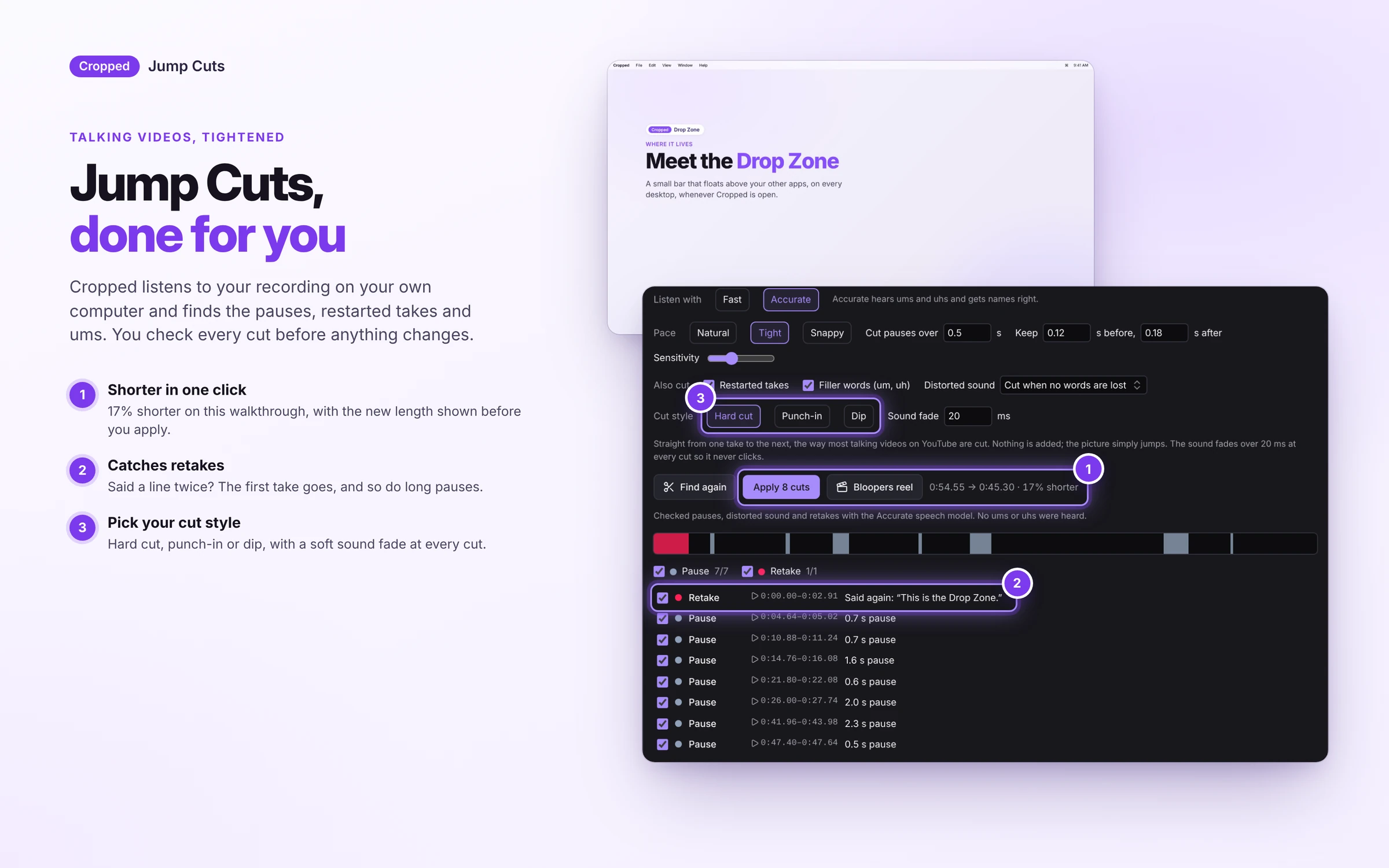
Open a recording of yourself talking and click Find cuts. Cropped marks every long pause, every um and uh, every sentence you started again and any distorted sound, then cuts them with a straight cut, a small punch-in or a quick dip. You see the length before and after, and every cut stays an ordinary clip on the timeline in case you want one back. Bloopers reel turns everything that got cut into a little video of its own.
Captions became an editor too. Pick a few lines of what you said in the Captions tab and Cut from video removes that part. Cut lines stay in the list, struck through, so Show in video brings them back any time.
Our Early Access post has the full tour.
#HDR video that stays HDR
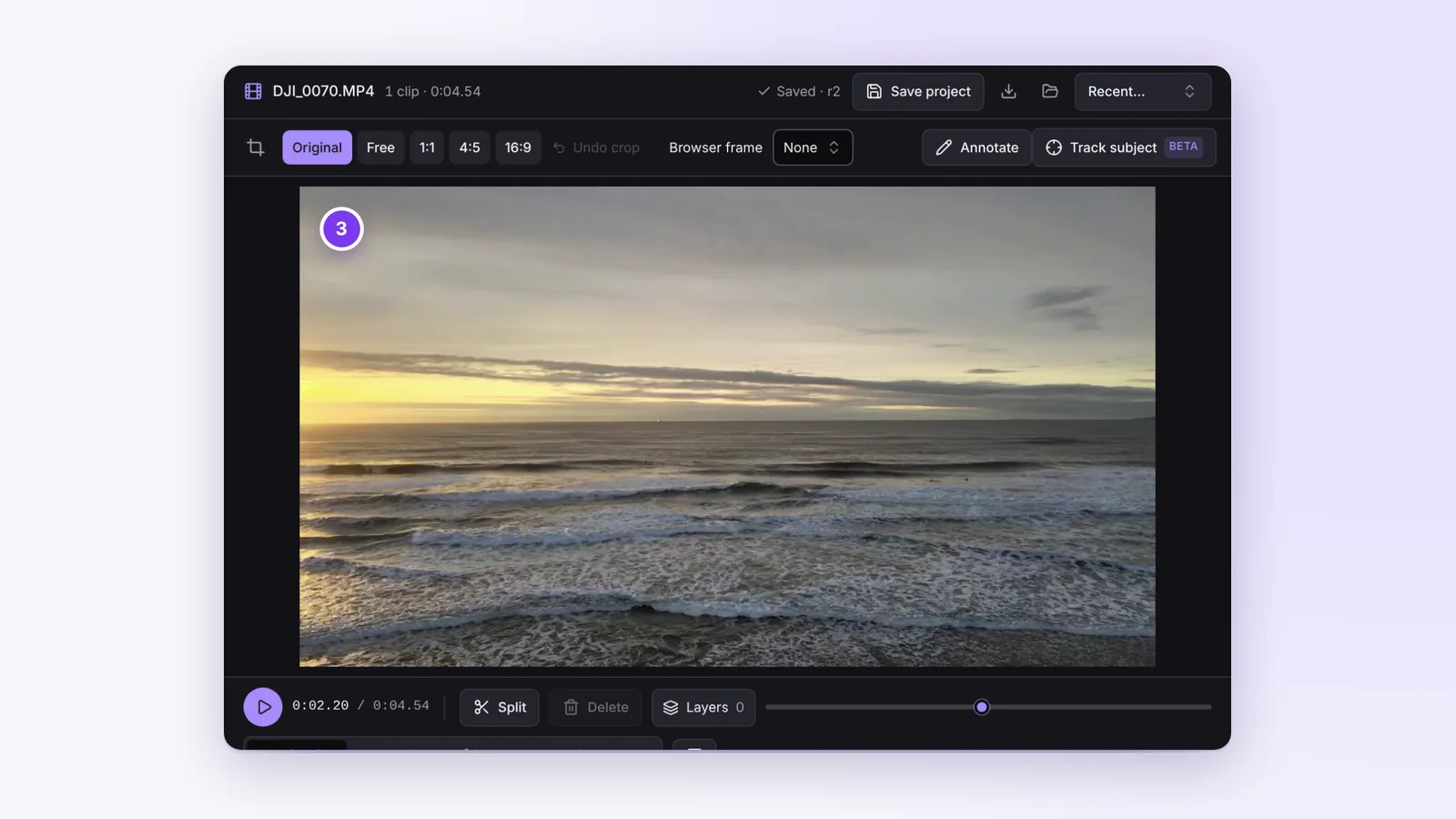
Videos from an iPhone or a good camera are often HDR, and until now they could come out of an edit looking flat. Now they stay bright and colorful through the whole Studio: trims, joined clips, Jump Cuts, auto zoom and burned-in captions.
Keep HDR is on by default for HDR videos and saves 10-bit HEVC, AV1 or VP9. Turn it off to convert to normal colors that look right on any screen, which is what the Web and Share presets do for you. The preview shows what you'll get.
#Shift-click several windows into one screenshot
Showing two apps side by side used to mean two screenshots and a trip to an image editor. Now hold Shift and click each window you want. Every window gets a number and a banner counts them. Let go of Shift and Cropped captures them all, lays them out neatly in the order you clicked on a clean white background, and copies one tidy picture to your clipboard, ready to paste into a bug report, a how-to or a chat. Prefer another background? Pick light gray, black, transparent or any color with the color wheel in the Drop Zone settings.
Shift-click a window again to take it out. It works on Mac, Windows and Linux. On Linux your desktop picks one window at a time, so the picker simply opens again after each window until you press Esc. Window capture help has the details.
#Shrink a PDF
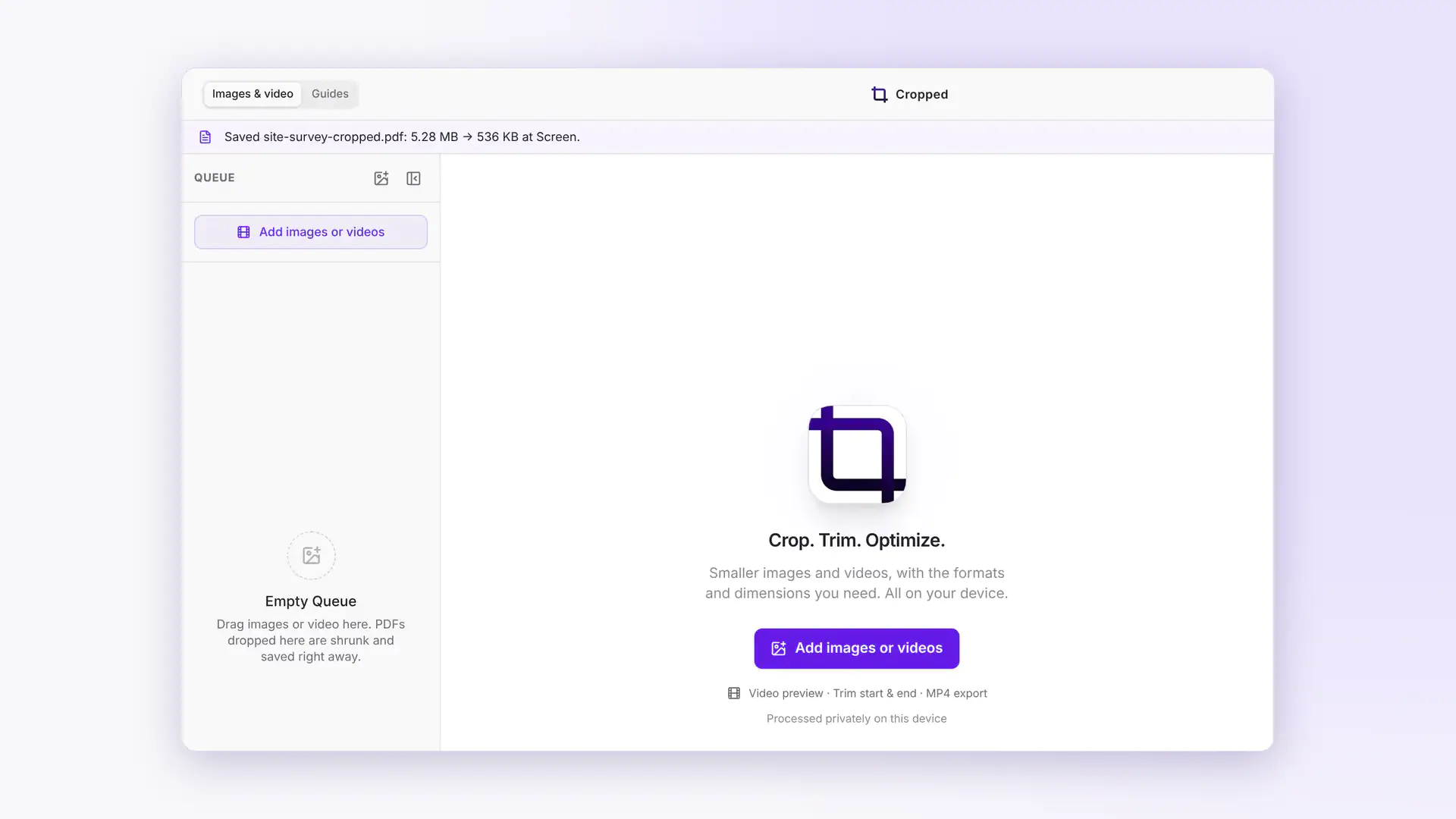
Drop a PDF on the Drop Zone and Cropped shrinks the pictures inside it to the size they're shown on the page. Text, fonts, links, forms and bookmarks stay exactly as they are, your original is never touched, and the green card shows how much you saved. PDFs full of photos or scans shrink the most.
Later in the week PDFs got their own controls. Smaller and Smallest shrink further, and Under a size brings a PDF under a limit like 10 MB for an email or an upload form. You can drop PDFs on the Studio too, and PDF size has its own place in Preferences. Screenshots inside a PDF stay sharp, a locked PDF tells you what to do, and a watched folder shrinks PDFs as they arrive. One 185 MB PDF came down to 5.7 MB.
#Capture an exact size
On a Mac, type a width and height in the box beside the area capture bar, or set an Area size in Preferences so every area capture starts at that size. Handy when every screenshot in a guide or a store listing has to match.
#Also new this week
- A Mac app that installs like one. Drag Cropped to Applications, or open it from Downloads and it offers to move itself. Video export and captions now work straight away, with nothing extra to download.
- Clean mode. Turn it on in Preferences › App to hide the helper sentences and keep the app to icons and short labels.
- Lost your key? Click Lost your key? Email it to me in the license panel and Cropped sends it to the address you bought with.
- Computer sound on Windows (Beta). Windows screen recordings can include what your computer plays, not just your microphone.
- An area picker of its own on Linux (Beta). Repeat last area works, and you can record just an area of the screen.
- A Drop Zone handle you can see. Drag the dots at the top to move the Drop Zone, in light and dark mode.
- Help that matches the app. Every help page was checked against the app and rewritten where it had drifted, with real pictures of Jump Cuts, the bloopers reel and editing from captions.
#On cropped.app
A new Mac, Windows and Linux page lists which features work on each system, and the Features page now shows Jump Cuts and captions. Early Access ends Friday, October 23 at 11:59 pm PT. Everyone who buys by then gets Cropped Platinum, with every Pro tool included for life. See Pricing for Cropped Core and the optional Pro add-on.
This round-up covers Cropped 0.3.42, 0.3.43 and 0.3.44. Every change is listed on Updates.