 Cropped
Download
Download free
Blog /
Cropped Core is now free, forever
Starting today, Cropped Core is free. That's the whole capture, record, crop and optimize app, on Mac, Windows and Linux, with every Core update and no time limit. You don't need an account or a card, and you can put it on as many computers as you like.
Download Cropped, or if you already have it, update from the app.
Already bought Cropped? You have Cropped Platinum, with every Core and Pro feature for life, and there's nothing you need to do. Here's what that means for you.
#Why we made Core free
We built Cropped because showing something is faster than explaining it. A clean screenshot with an arrow, a short recording with a zoom on the button that matters, a picture shrunk to a size a website loads in a blink. Those are everyday jobs, and an everyday tool shouldn't sit behind a checkout.
A free Core means you can put Cropped on every computer you use, hand it to your whole team, and tell a friend to try it without asking them to pay first. We'd rather earn your trust with the app itself.
#What's in Core
Everything most people use every day:
- Screenshots, window capture and Annotate, with arrows, numbered steps, text and the Accessibility Check
- Screen recording with sound, your mic and auto zoom
- Image and video optimization, done on your own computer, so your files never leave it
- The Drop Zone and Quick Trim, for quick fixes without opening a full editor
- Crop sizes for every platform, Frames and Smart crop
- Favicons, app icons and
.croppedproject files
Core runs on your computer and works offline. Nothing in it is a trial, and nothing counts down.
#Pro, when you need more
Pro is for the people who share, teach and make videos all day. It costs $24.99 a year, or $3.99 a month, on up to five computers, and you can cancel any time. Pro adds:
- Share links with comments and 20 GB of Cropped storage, so anyone can watch and reply in a browser, no account needed
- Jump Cuts, captions and the advanced video editor
- The guide builder, which turns your captures into step-by-step how-tos
- AI names and descriptions for every capture
- Website capture, background removal and AI fill
- AI tools for Claude, Cursor and Codex, so your AI assistant can capture, annotate and edit through Cropped
Every download includes 14 days of Pro, free. When the trial ends, Core keeps working. Nothing is charged and nothing is deleted. You can add Pro from inside the app in one step, or from the pricing page.
#Your AI, your keys
Cropped's AI features use your own account with the provider you choose: Gemini, Claude, OpenAI, or any OpenAI-compatible service, including OpenRouter, Azure, Groq or a model running on your own computer. Your pictures go straight from your computer to that provider, never through us. That means we don't need to mark up AI or ration it, and Pro stays one simple price.
#Our promise: nothing moves from Core to Pro
A feature that is in Core stays in Core, with every update, for as long as you use Cropped. New tools land in Core whenever they fit there. Pro grows by adding new things, never by taking away what you already have.
#If you bought Cropped before
Thank you. You backed Cropped before any of this, and you keep Cropped Platinum: Full Feature Access. That's every Core and Pro feature, including every new tool, for life, at no extra cost. You don't need to do anything. Your license keeps working on up to five computers.
#Update to keep using Cropped free
Older versions of Cropped don't know Core is free, so they still lock exports when the trial ends. Update to the latest version (Cropped checks for you, or download it) and Core is yours, free, from then on. Your settings, projects and license carry over.
#What's next
Free Core is the start, and we're adding more to both plans in the coming weeks. If there's something you'd like to see, tell us. We read everything.
More from the blog
All posts-
 A warm welcome to Jeff Black, our new Co-Founder
Jeff Black is joining Cropped as a Co-Founder. Jeff designed the new cropped.app and the cleaner look in the app, and there's much more ahead.
-
A major upgrade to Cropped, with much more ahead
A redesigned Annotate, padding numbers while you pick an area, capture sounds, video recipes for many videos at once, names and descriptions in the Drop Zone, and a new look for cropped.app.
-
 This week in Cropped: Share link, a simpler Drop Zone, an accessibility check and Intel Macs
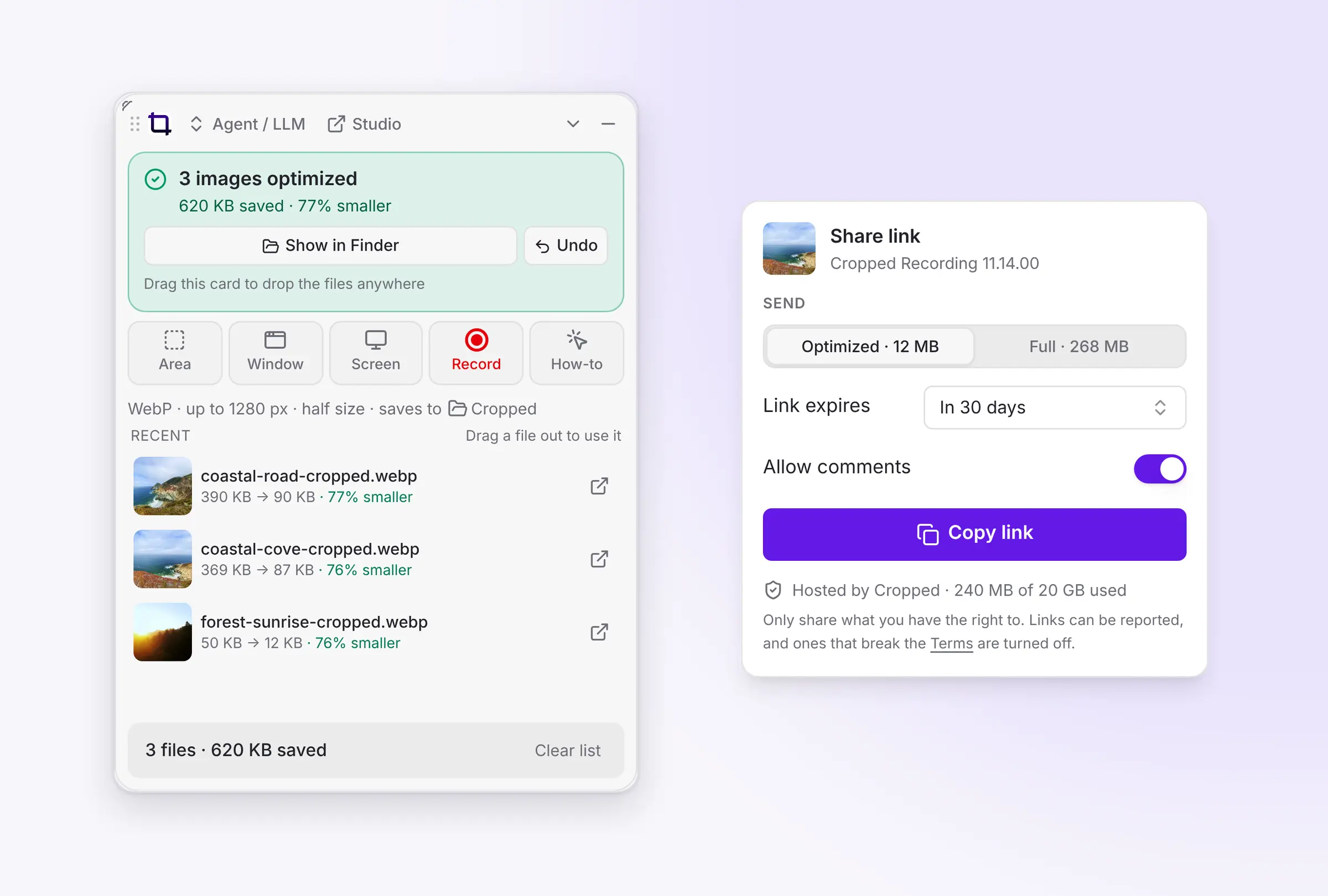
Share any capture as a link people can comment on with nothing to set up, a simpler Drop Zone, one-file .cropped projects you can send, an accessibility check for screenshots, a cleaner Studio and Cropped on Intel Macs.
-
 This week in Cropped: Jump Cuts, HDR video, smaller PDFs and several windows in one screenshot
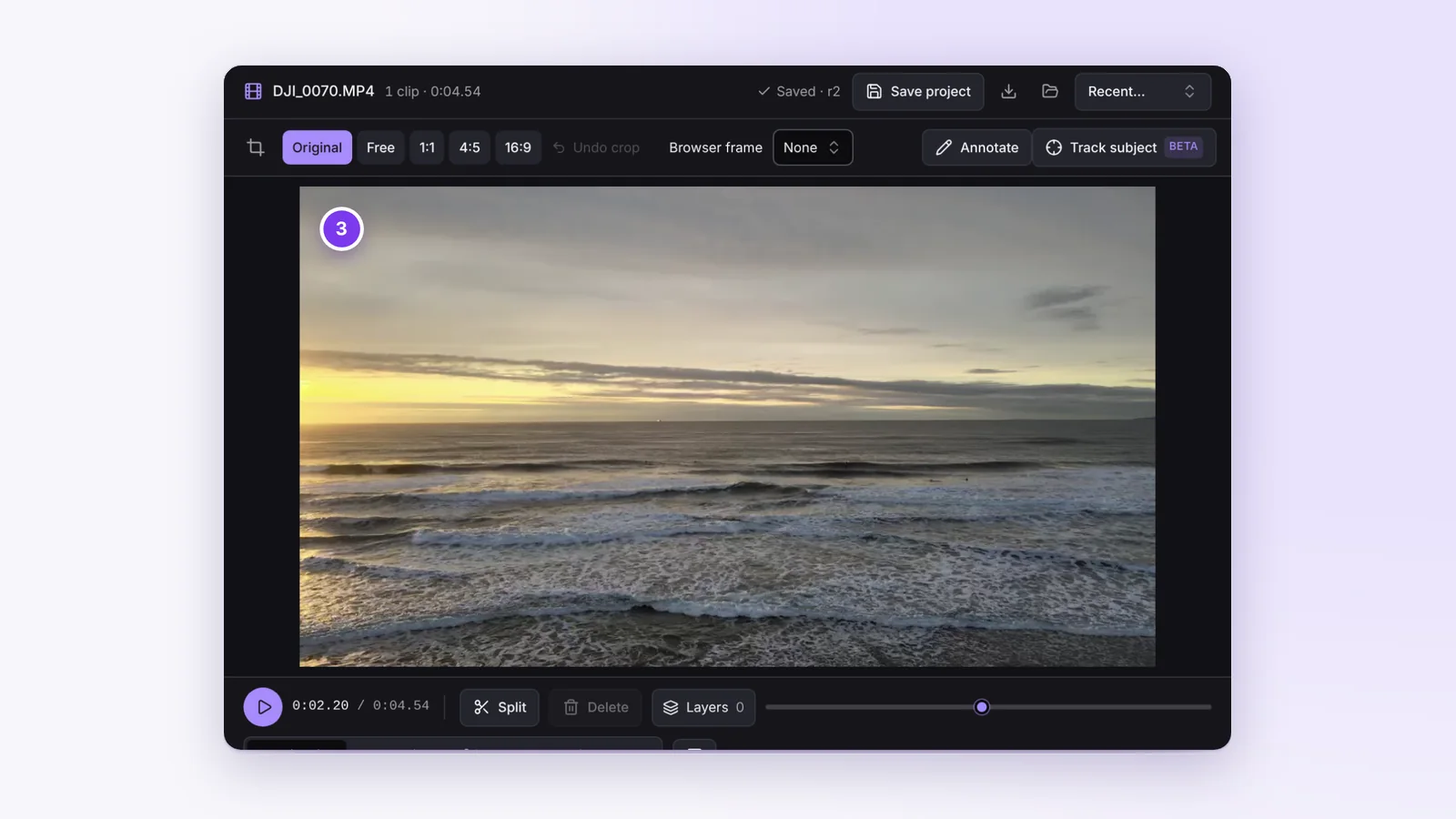
Jump Cuts takes the pauses and retakes out of a talking video, captions now edit the video itself, HDR videos stay bright from import to export, the Drop Zone shrinks PDFs, and one capture can hold several windows.