 Cropped
Download
Download free
Blog / ·
This week in Cropped: November 14 to 20
Six releases this week, from 0.3.59 to 0.3.64. Cropped now opens on the three things most people came for, every screenshot gets its own Annotate tab, and Cropped 0.3.64, out today, makes the videos you drop at least 25% smaller and gives the Studio a Speed button, a Move tool, soft edges and its own music.
If you already have Cropped, it updates itself. If not, download it: Core is free, with no account or card.
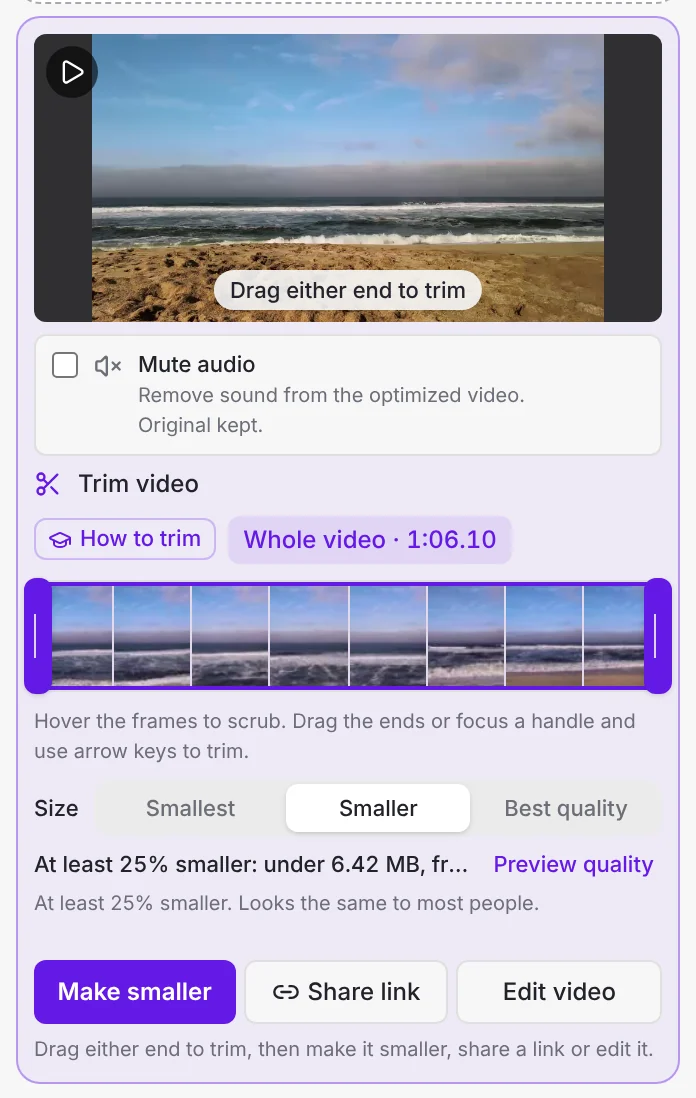
#Dropped videos at least 25% smaller
Pick a Video size once: Smallest, Smaller or Best quality. Before you start, Cropped shows a measured estimate of the new size, and Preview quality puts a frame of the result next to the original on a slider, so you can see what you keep before you commit.
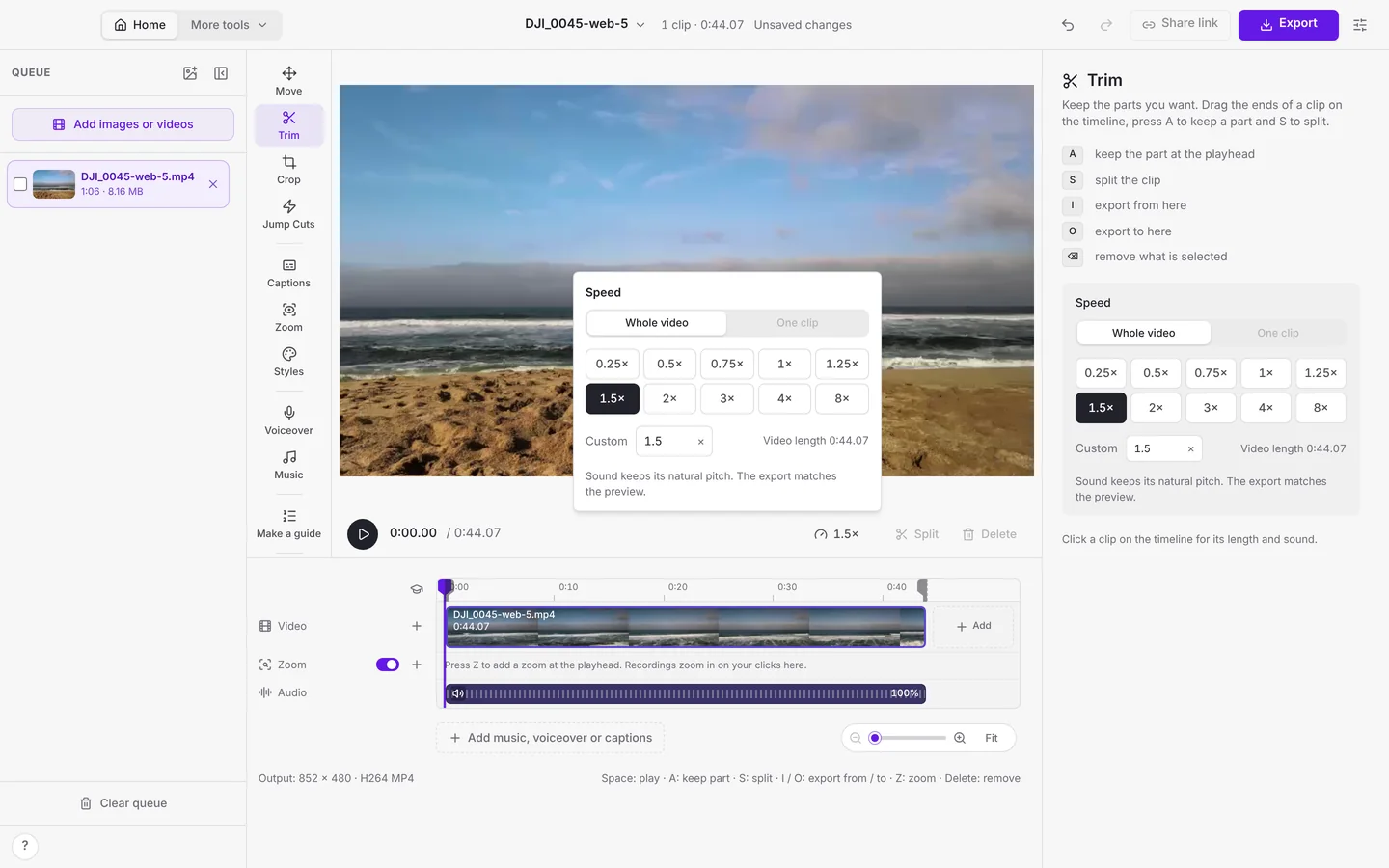
#A Speed button under the preview
Speed up or slow down the whole video or one clip, from a quarter speed to 8×, or type your own. It sits right under the Studio preview, so it's one click away while you watch.
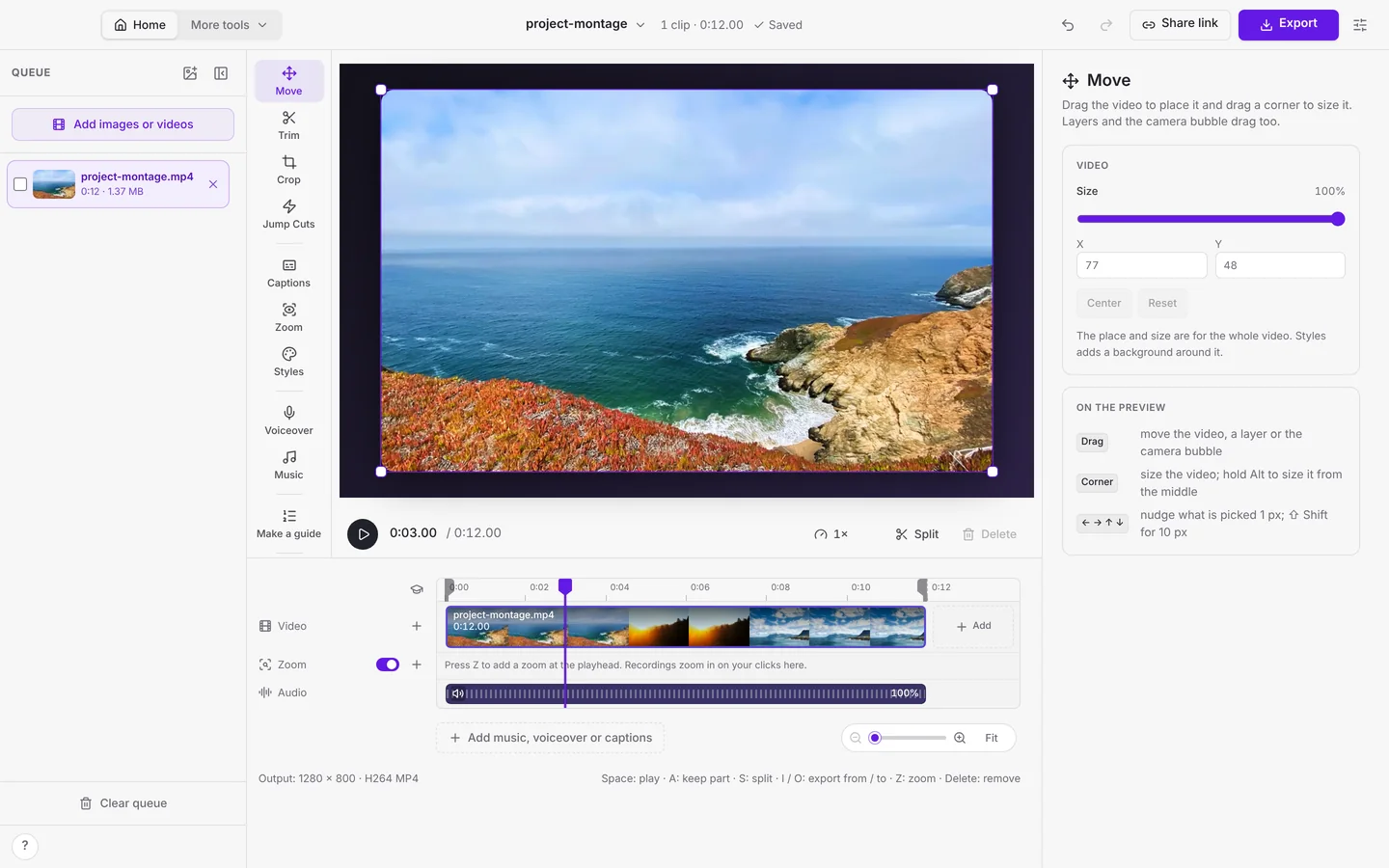
#Move, soft edges and clean recordings
Move is the first tool in the Studio. Drag the video to place it and drag a corner to size it, right on the preview. Layers and the camera bubble drag too, and the arrow keys nudge by one pixel.
Styles gets an Edge: Sharp, Soft, Feather or our own Outline. Clean edges trims the window outline a recording brings with it, and the room around the screen is set in exact pixels.
#Cropped music in the Studio
The Music panel now has songs from Cropped's own library, with a handful free for everyone. Listen to a preview, then add the full song.
#Auto zoom, captions and renaming
- Auto zoom frames what you clicked. Zooms fit the toolbar, menu or dialog you clicked instead of a fixed 2× on the pointer.
- Captions anywhere. Drag captions to any spot on the preview and set how wide their lines run.
- Rename from the top bar. Click a picture or video's name in the top bar to rename it, the way a Mac document title works.
#Earlier this week
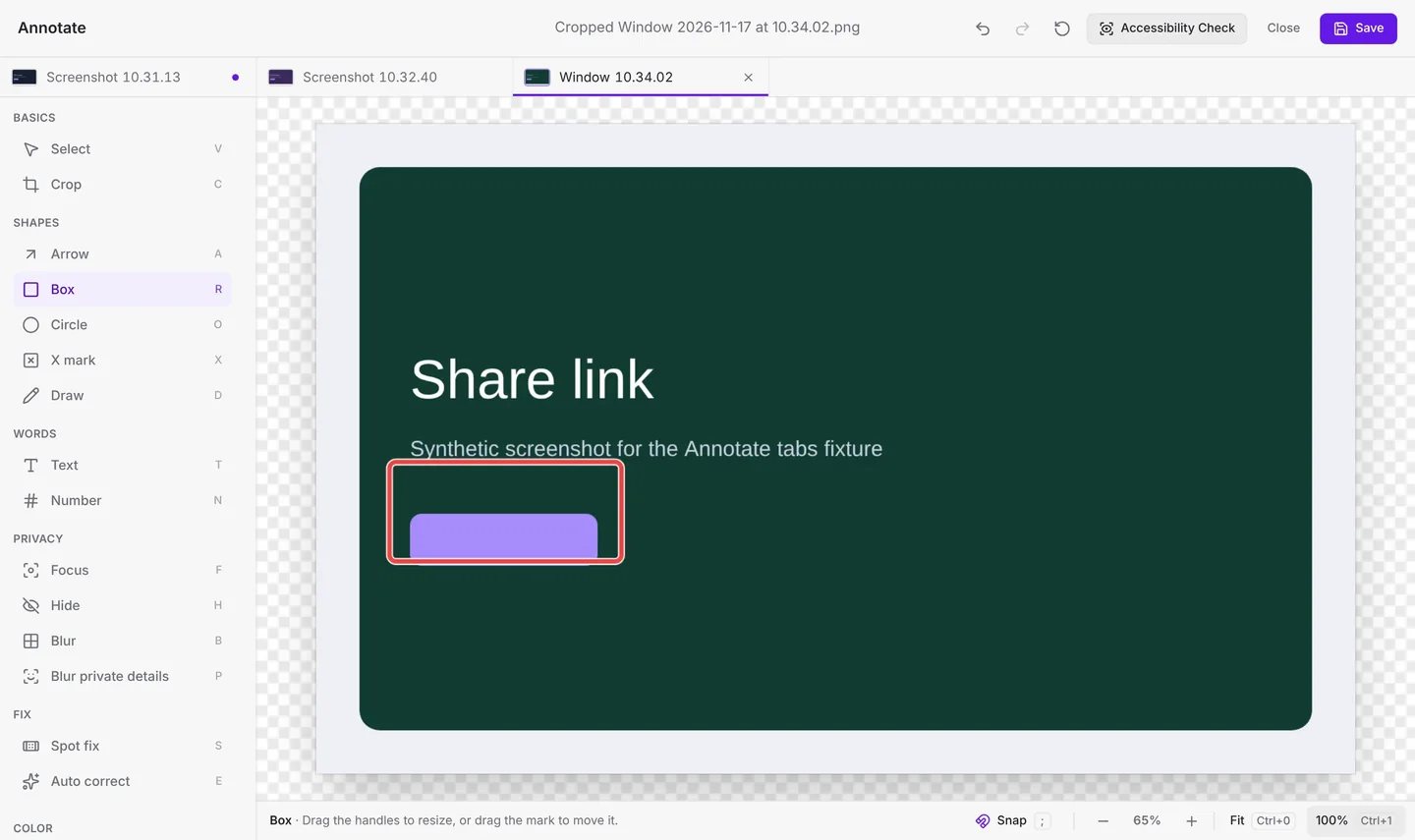
Cropped 0.3.59 opened Cropped on Home, with three jobs: Take a screenshot, Record my screen and Make a file smaller. Let go of the drag and the screenshot is copied, ready to paste. Every screenshot opens in its own Annotate tab, Capture a website takes full-page screenshots again, and every video can have a style.
The releases after it made Cropped feel the same everywhere:
- The same Cropped on Mac, Windows and Linux. Every drop-down menu now uses our own design, so it looks and works alike on every computer.
- Drop a file on Home and choose Make smaller or Open in editor.
- Annotate remembers. Your tabs and unsaved marks come back after you quit or restart to update, and ⌘ Command + S saves the screenshot in front.
- Steadier Windows recordings. Recordings start reliably, Cropped tells you why when one can't start, and a recording survives if Cropped closes unexpectedly.
- Monthly Pro. Or $3.99 a month shows next to Try Pro free, so you can start monthly Pro without a trial first.
#Safer and steadier
API keys for AI tools are now kept in your system's key store on Mac, Windows and Linux. The app and cropped.app send strict security headers, new share link passwords need at least 8 characters, and share link uploads pick up where they left off after a dropped connection.
This round-up covers Cropped 0.3.59 to 0.3.64. Every change is listed on Updates.
More from the blog
All posts-
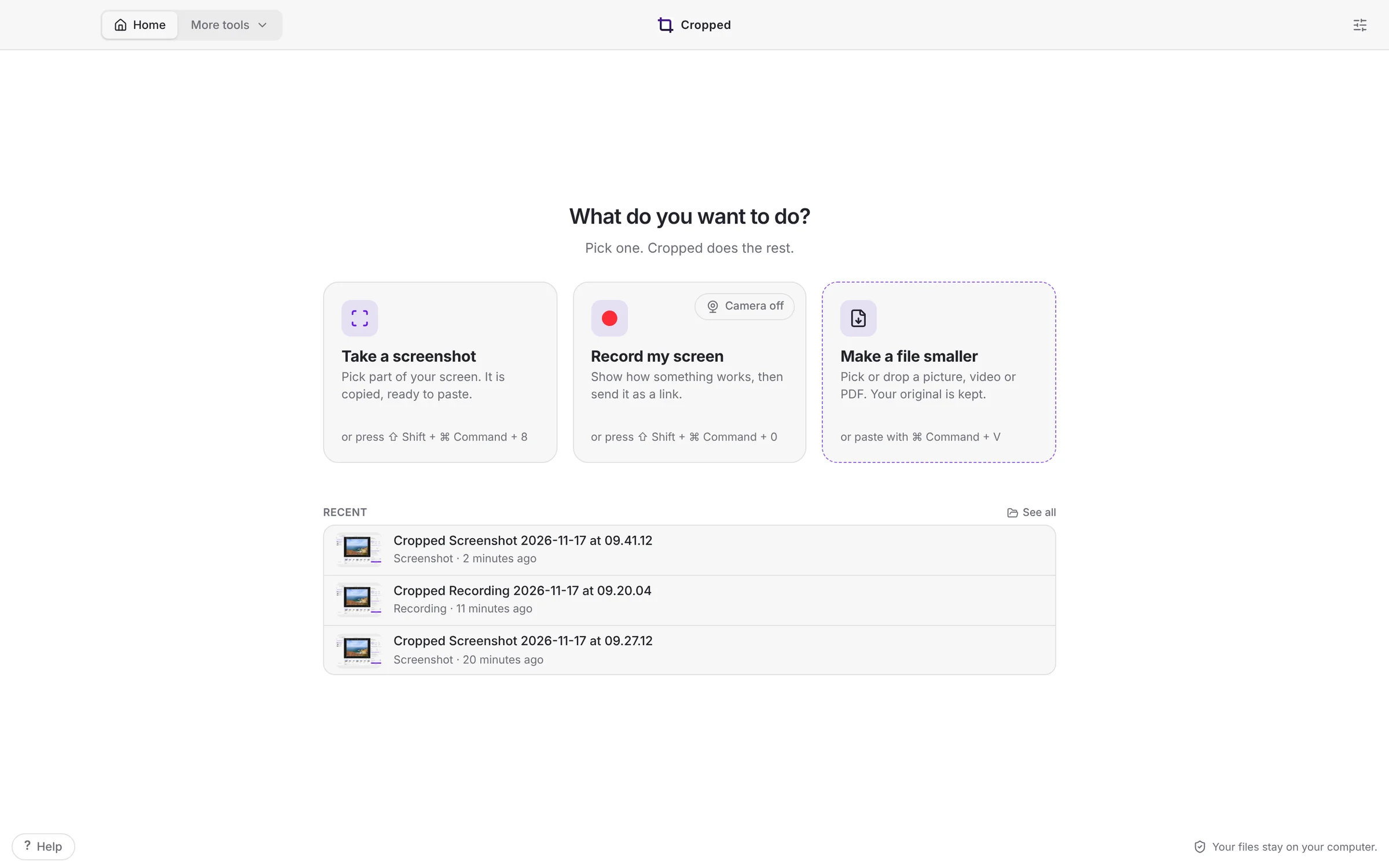 Cropped 0.3.59: Simple Cropped, Annotate tabs and full-page website shots
Cropped opens on three jobs, takes the screenshot the moment you let go, opens every screenshot in its own Annotate tab, captures whole web pages, copies the text in any picture, and finishes your Figma videos.
-
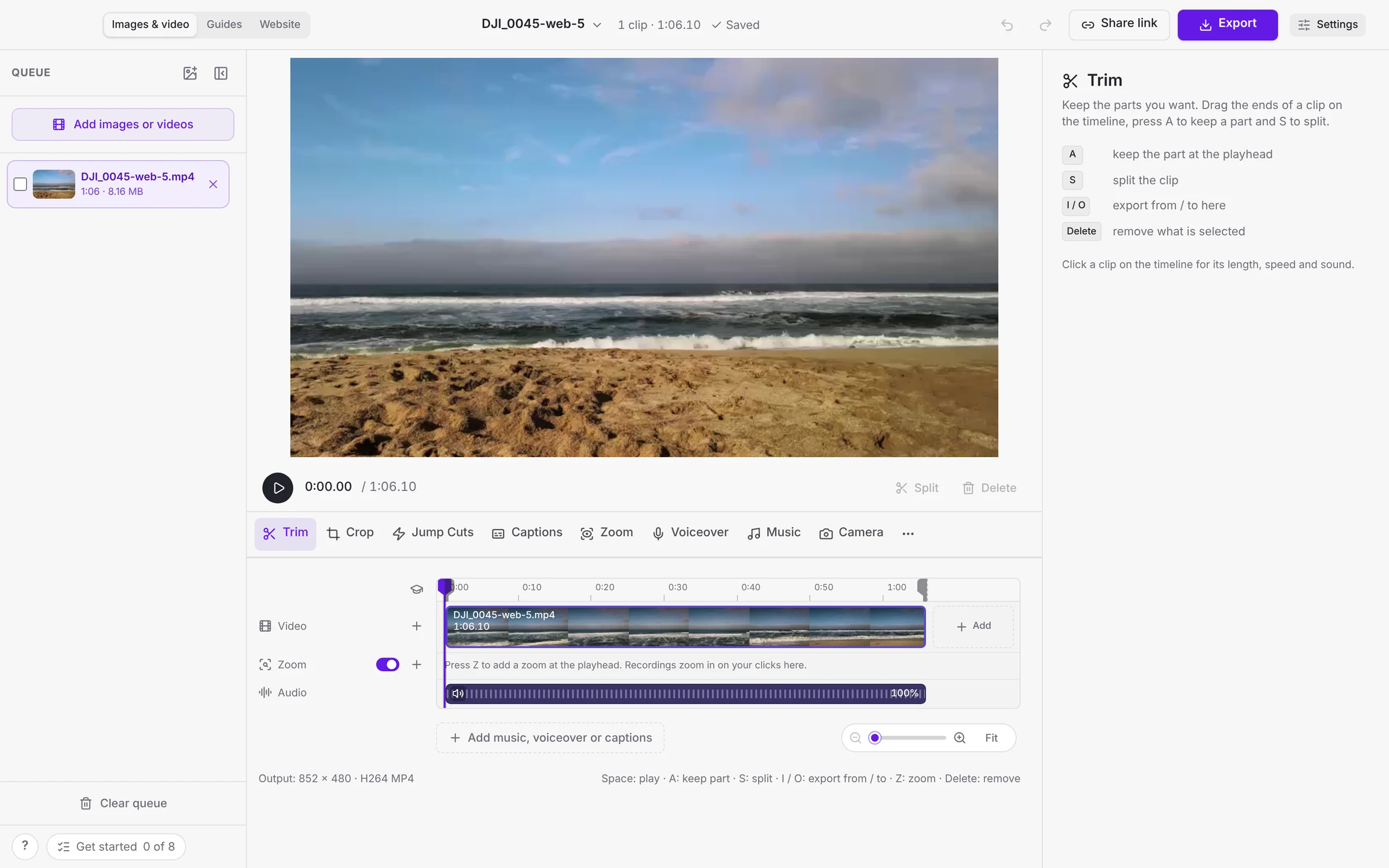 This week in Cropped: camera looks, a calmer Video Studio, guides from any video and AI Packs
Your camera becomes its own track with smooth looks, videos get styles, the Video Studio has one tool row, any video becomes a guide, and screenshots become AI Packs.
-
Cropped 0.3.56: a calmer Video Studio, setup in one screen, and guides from any video
The Video Studio has one tool row and Export in the title bar, Cropped sets itself up from one first-launch screen, any video becomes a step-by-step guide or document, and the image editor fits in one toolbar.
-
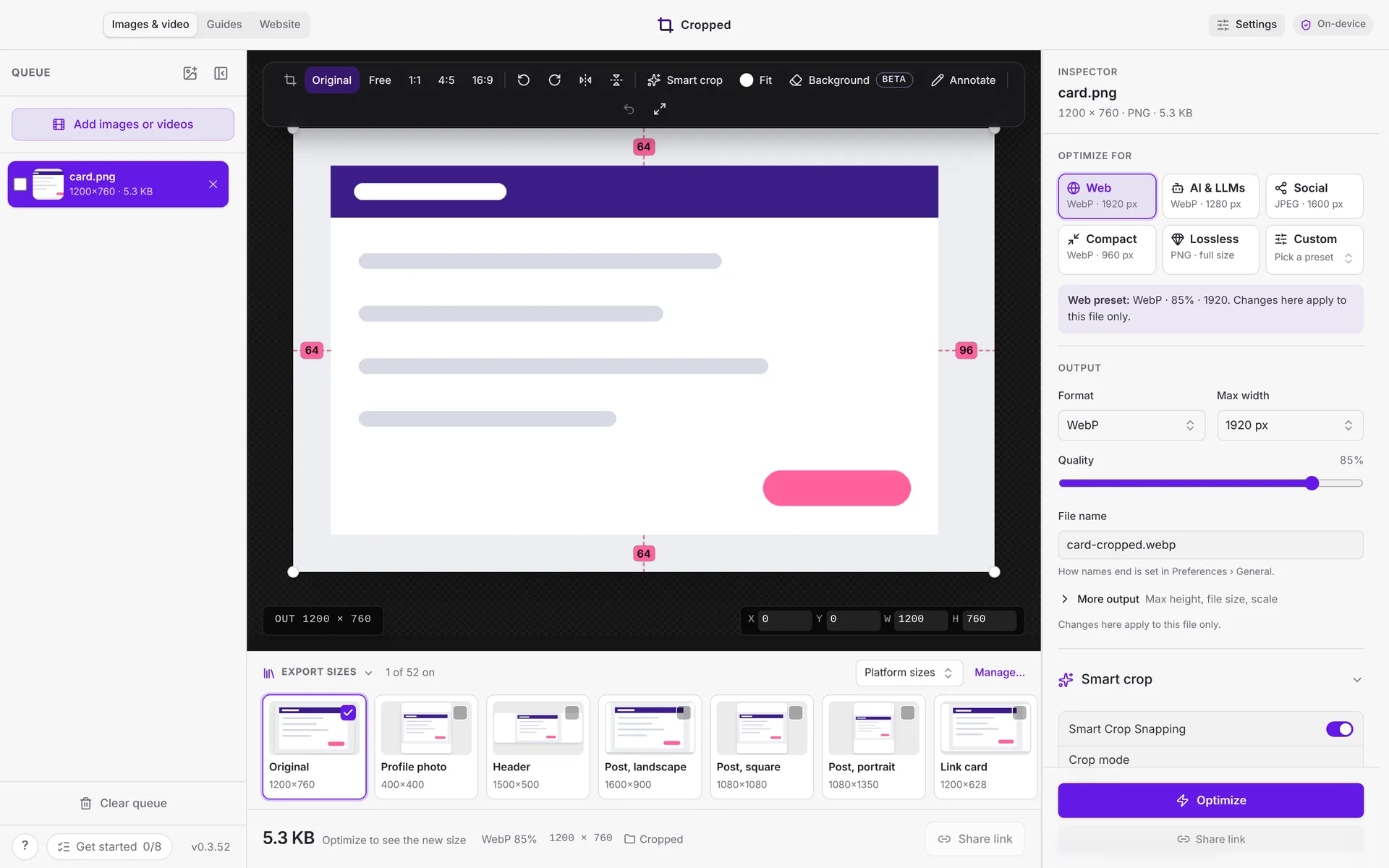 This week in Cropped: Core is free, a new Annotate, instant links and clean mic sound
Cropped Core is now free, Annotate got a redesign with snapping, share links copy the moment you click, and Mac recordings sound clean with any microphone.