 Cropped
Download
Download free
Blog / ·
This week in Cropped: November 7 to 13
Three releases this week. On a Mac your camera is now its own track you can move and restyle after you record, and any video can get a background, rounded corners and a shadow. The Video Studio got calmer, Cropped sets itself up from one screen, any video can become a step-by-step guide, and Pro turns screenshots into AI Packs for Claude, ChatGPT or Gemini.
If you already have Cropped, it updates itself. If not, download it: Core is free, with no account or card.
#Camera looks and video styles
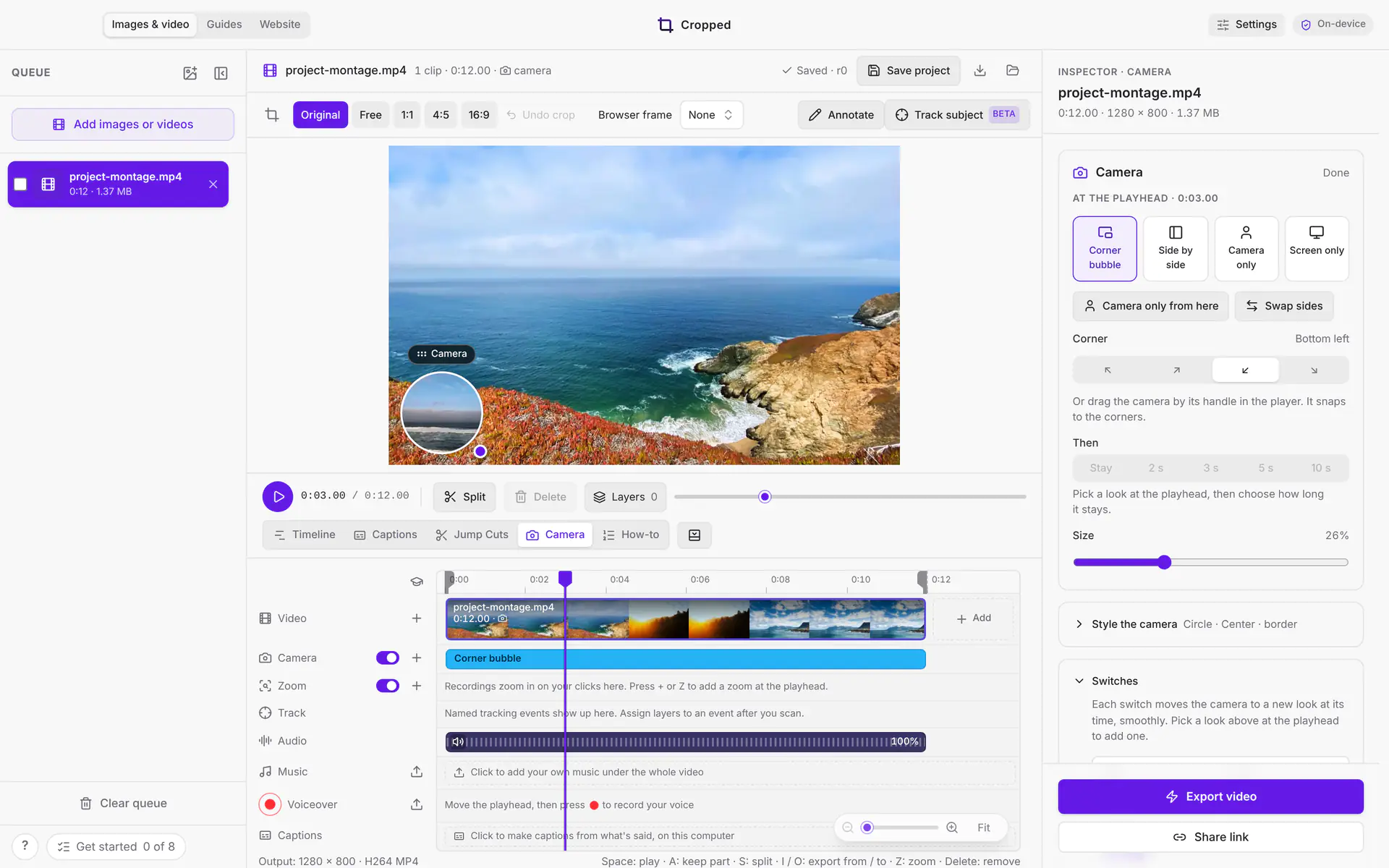
Record with your camera on a Mac and it lands on its own track. In the Studio, move it, frame it on your face, and switch smoothly between a corner bubble, side by side, camera only and screen only. The Camera lane on the timeline shows every switch, and you can drag one to change when it happens. A look can go back by itself after a few seconds, and exports and share links keep the camera. See Camera looks.
Video styles give any video a background, room around the screen, rounded corners and a shadow, from a kit or your brand color. They work on Mac, Windows and Linux.
#A steady 60 fps, and your mic from the toolbar
Mac recordings at 60 fps now have a steady 60 frames every second. Pick your microphone and camera right from the recording toolbar, with a live level meter and a camera preview, and check your microphone in Preferences › Capture with a test take.
#A calmer Video Studio
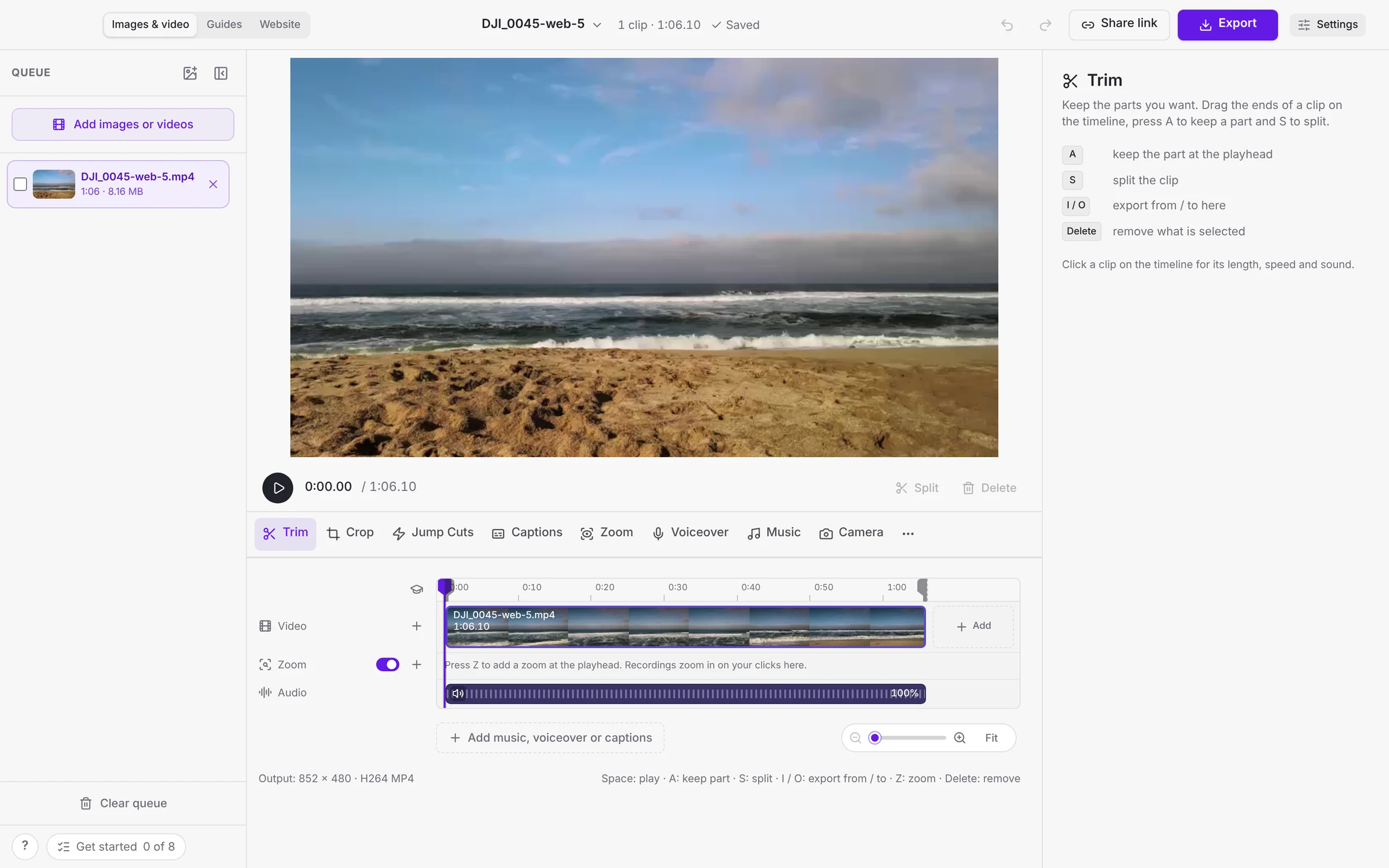
The Studio has one tool row under the video: Trim, Crop, Jump Cuts, Captions, Zoom, Voiceover, Music and Camera. The tool you pick opens on the right, so the timeline stays in view, and the project name, undo, Share link and Export sit in the window title bar. New to it? Learn the Studio is a short tour in six parts.
The first time you open Cropped, it asks what you'll use it for and sets its image, video and frame rate defaults to match. Every choice is in Settings › Your setup.
#Guides and documents from any video
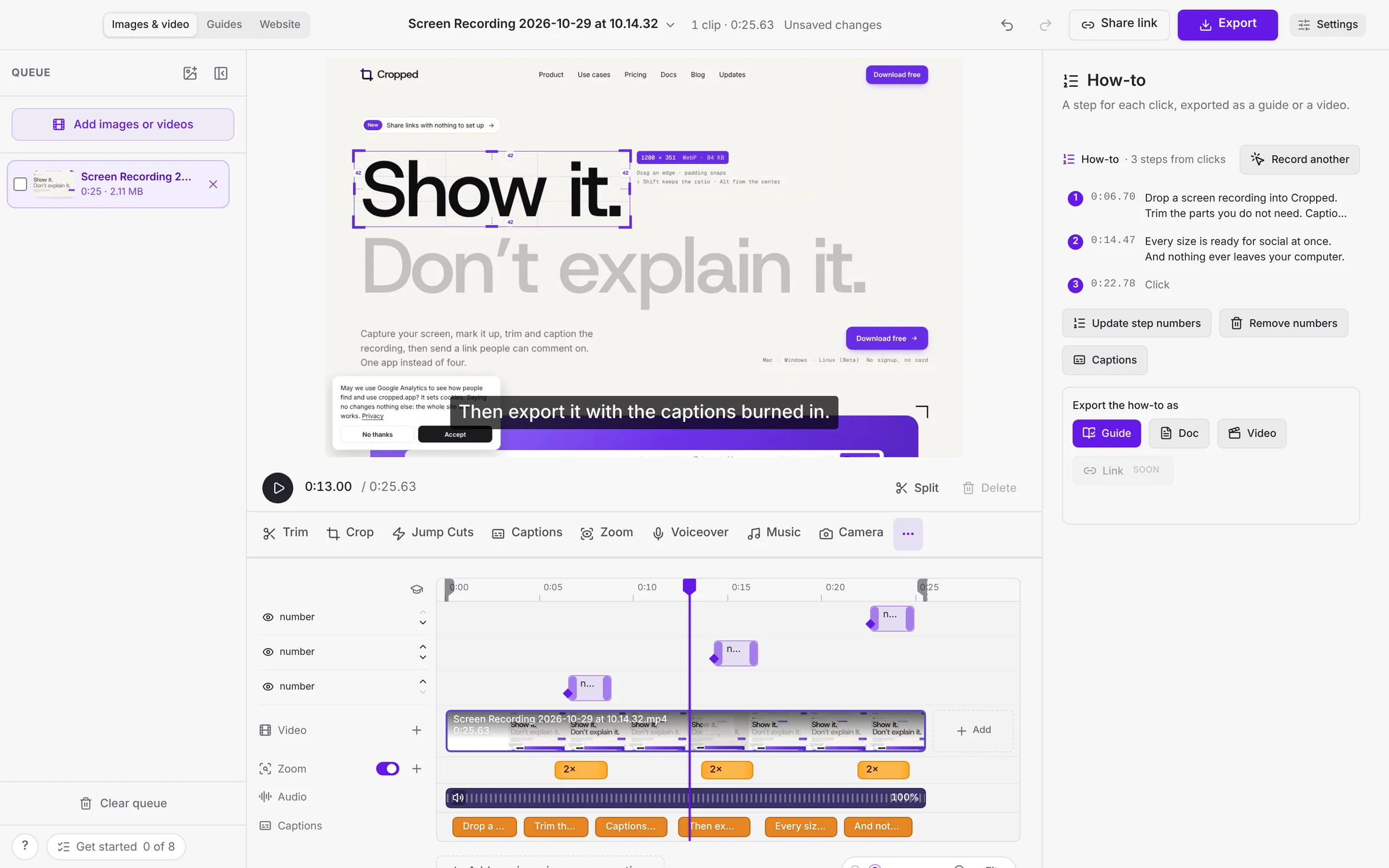
Open any video, recorded in Cropped or not, and Cropped turns it into numbered steps from your clicks, screen changes and what you said. Make a step-by-step guide or a document in one click. See Make a guide from any video.
#AI Packs for Claude, ChatGPT or Gemini
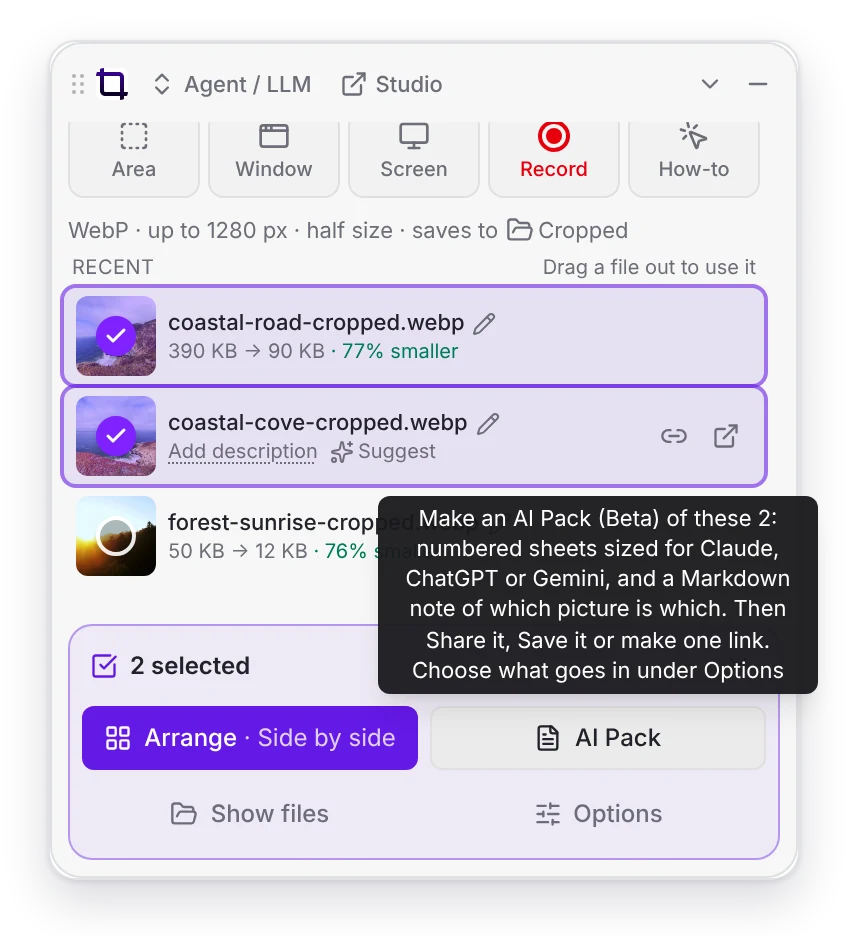
On Pro, select two or more screenshots in the Drop Zone to make an AI Pack: numbered sheets sized for your AI app, with a note of which picture is which. Then Share, Save, copy the note, or get one link for the whole pack. The link's page shows every sheet in order, the note and a Download all button.
#Also new this week
- One toolbar for pictures. Crop, Rotate & flip, Smart crop, Fill, Background and Annotate sit in one row above your picture.
- AI fill works again with OpenAI keys. OpenAI shut down the image model Cropped used, so Cropped now uses its current one. Nothing to change.
- Share any file. On Pro, drop any file to get a download link, even one Cropped can't optimize.
- Share a Studio video at full resolution, with every edit and the camera in it.
- Annotate can blur private details, auto correct a picture and spot fix small marks.
- Lighter and steadier. Cropped does less in the background, and a newer update replaces one waiting for a restart.
Cropped 0.3.56 has more on the new Video Studio, setup and guides.
#On cropped.app and share links
Share pages have a cleaner video player on phones, and you can rename a shared file or edit its description right on its page. AI apps can now read a share link, including an AI Pack's sheets and note. The comparison pages now help you pick by the job and show what else comes with Cropped.
This round-up covers Cropped 0.3.55 to 0.3.57. Every change is listed on Updates.
More from the blog
All posts-
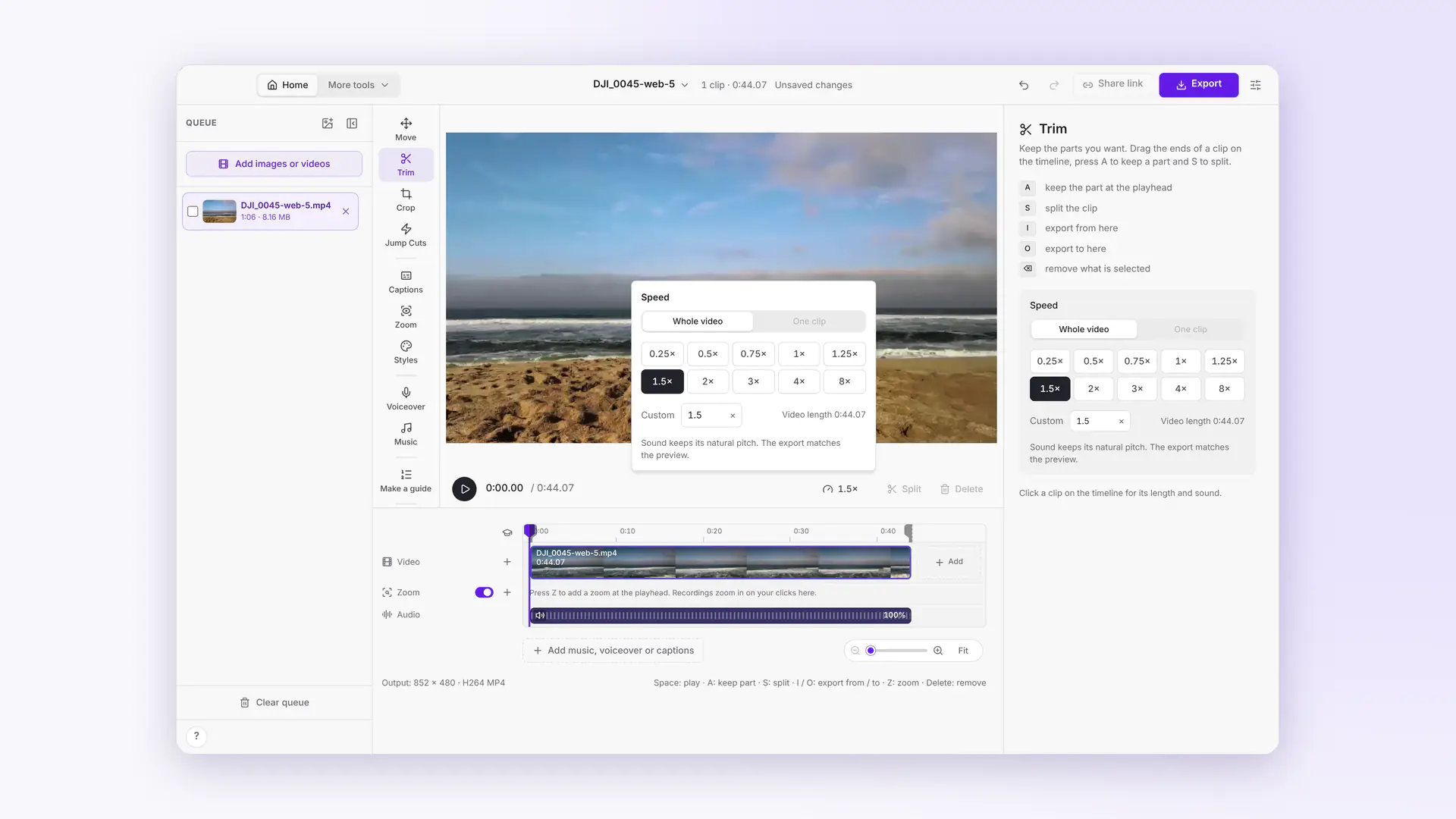 This week in Cropped: smaller videos, a Speed button, Move and Cropped music
Dropped videos come out at least 25% smaller, a Speed button speeds up any clip, Move drags and sizes the video on the preview, Styles gets soft edges, and the Studio has its own music.
-
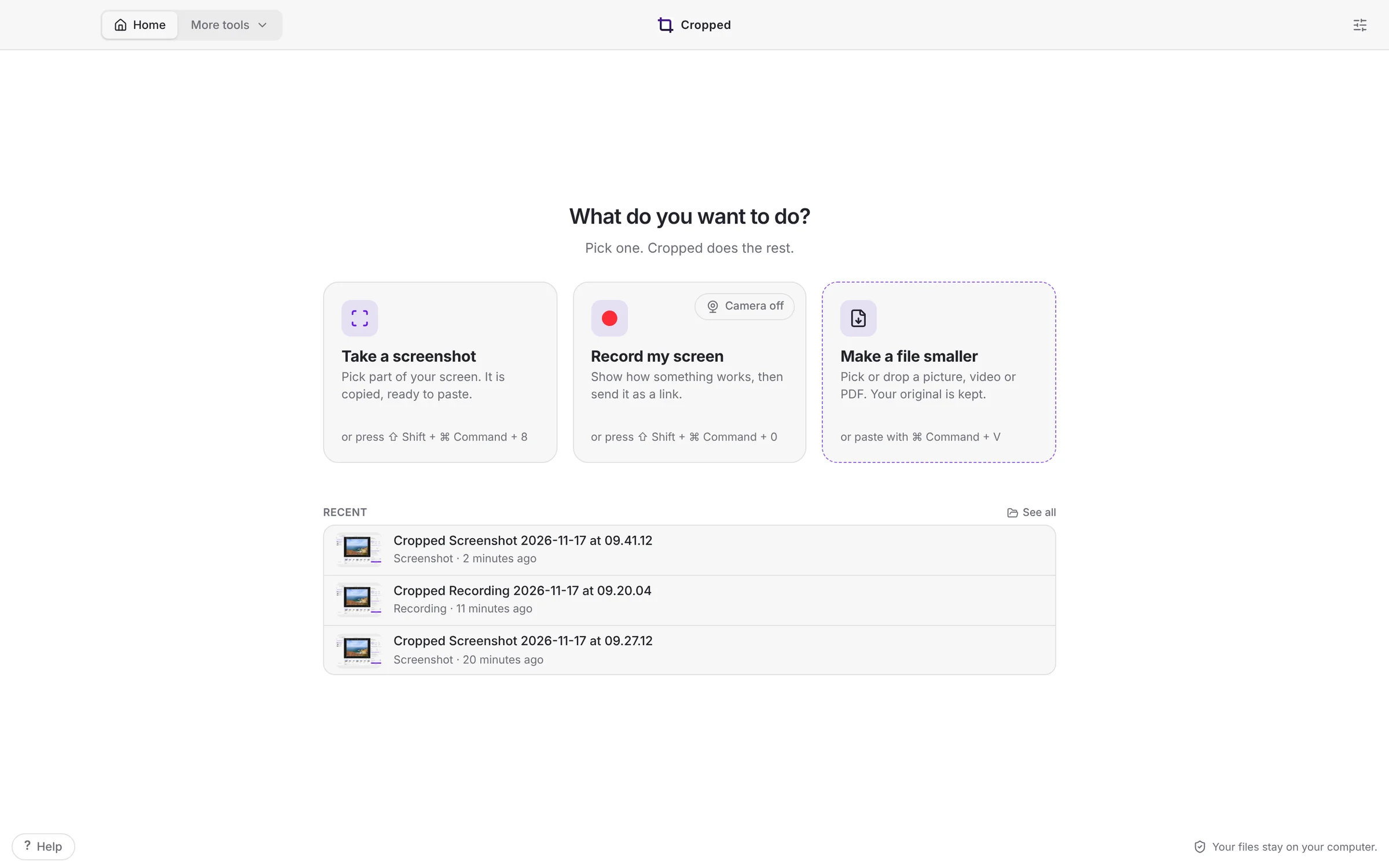 Cropped 0.3.59: Simple Cropped, Annotate tabs and full-page website shots
Cropped opens on three jobs, takes the screenshot the moment you let go, opens every screenshot in its own Annotate tab, captures whole web pages, copies the text in any picture, and finishes your Figma videos.
-
Cropped 0.3.56: a calmer Video Studio, setup in one screen, and guides from any video
The Video Studio has one tool row and Export in the title bar, Cropped sets itself up from one first-launch screen, any video becomes a step-by-step guide or document, and the image editor fits in one toolbar.
-
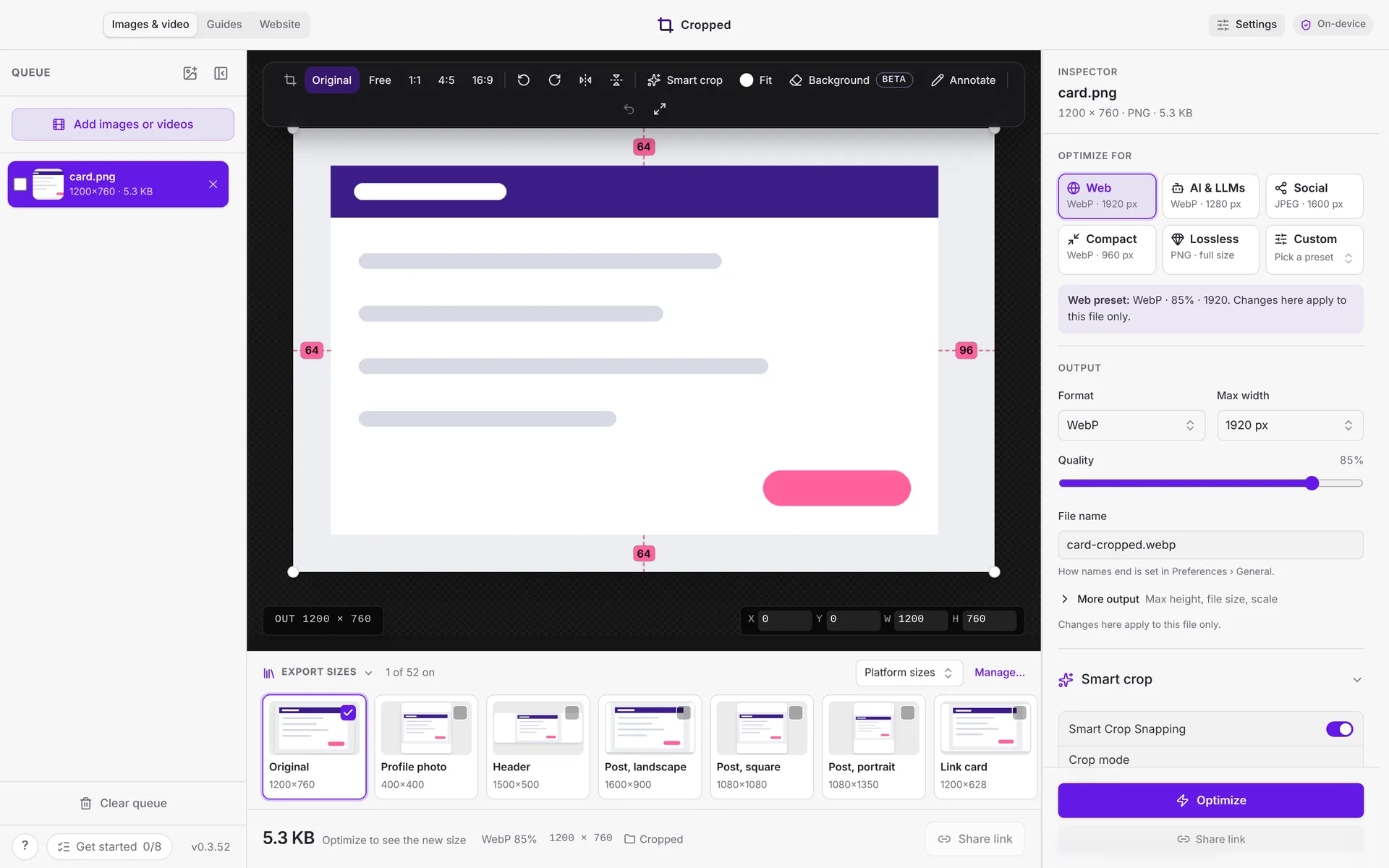 This week in Cropped: Core is free, a new Annotate, instant links and clean mic sound
Cropped Core is now free, Annotate got a redesign with snapping, share links copy the moment you click, and Mac recordings sound clean with any microphone.