 Cropped
Download
Download free
Blog / ·
This week in Cropped: October 31 to November 6
Five releases this week, and the biggest news is that Cropped Core is now free. Annotate got a full redesign, share links land on your clipboard the moment you click, and Mac recordings sound clean with any microphone. cropped.app got a whole new look too.
If you already have Cropped, it updates itself. If not, download it: Core is free, with no account or card.
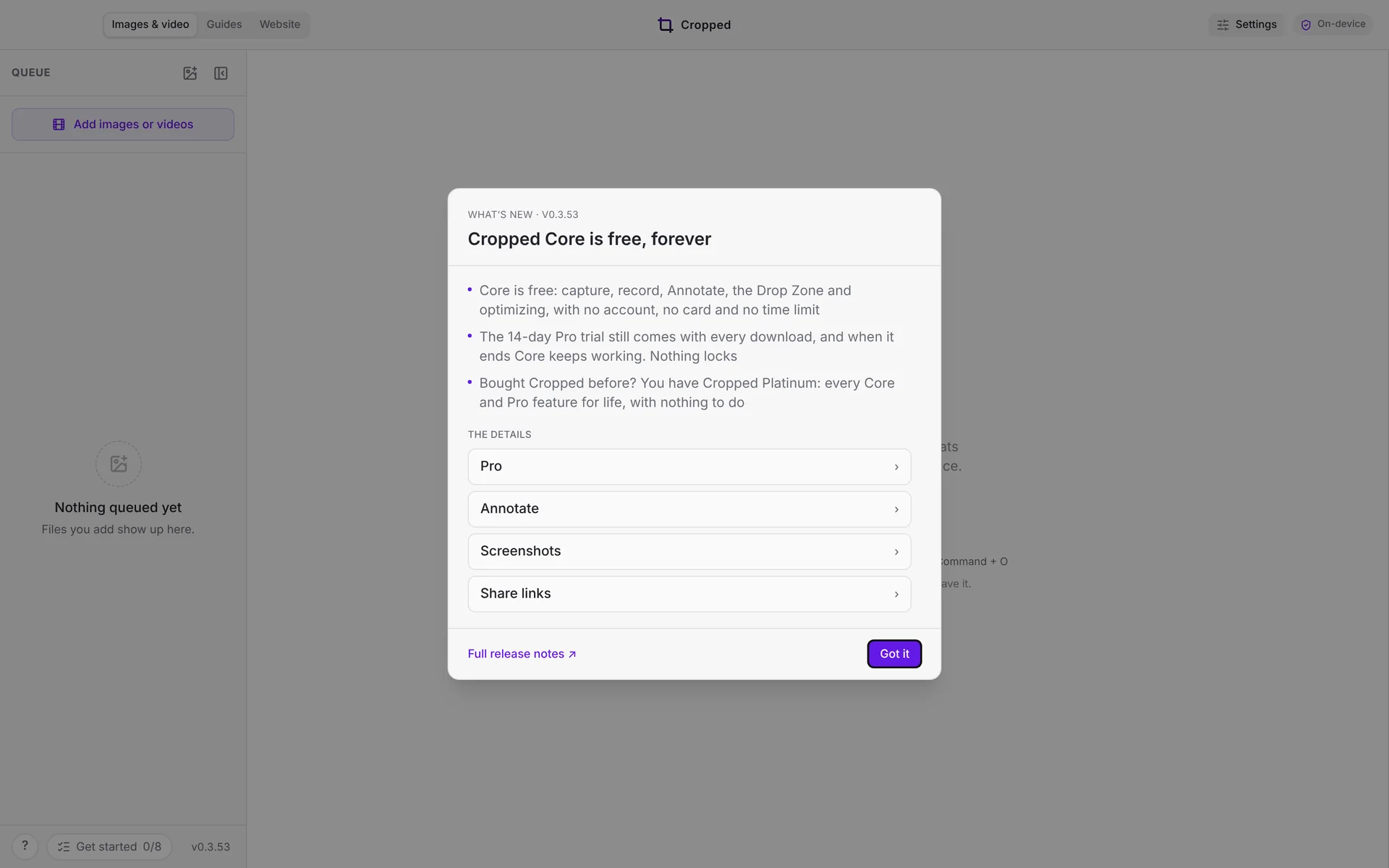
#Cropped Core is free, forever
Capture, record, Annotate, the Drop Zone and optimizing are now free on Mac, Windows and Linux, with no account, no card and no time limit. Every download still comes with a 14-day Pro trial, and when it ends, Core keeps working. Nothing locks. If you bought Cropped before, you have Cropped Platinum: every Core and Pro feature for life, with nothing to do.
Pro adds share links with 20 GB of Cropped storage for each person, video tools and AI, for $24.99 a year or $3.99 a month, and you can add it in one step from the app. Why we made Core free has the whole story.
#A new Annotate, with snapping
Annotate has one tool list on the left and the Inspector on the right, with shortcut keys, zoom and pan, and labels on numbers. Marks now snap to each other, to the screenshot and to the picture as you move them. Arrows stay glued to the marks they point at, Shift draws straight strokes, and text and numbers snap into line.
While you choose an area, padding numbers sit on dashed lines on every side. Click a number to type the padding you want. Turn on Open in the Editor in Preferences › Capture to open screenshots in Annotate and recordings in the Studio right after you take them. A major upgrade to Cropped walks through all of it.
#Share links copy the moment you click
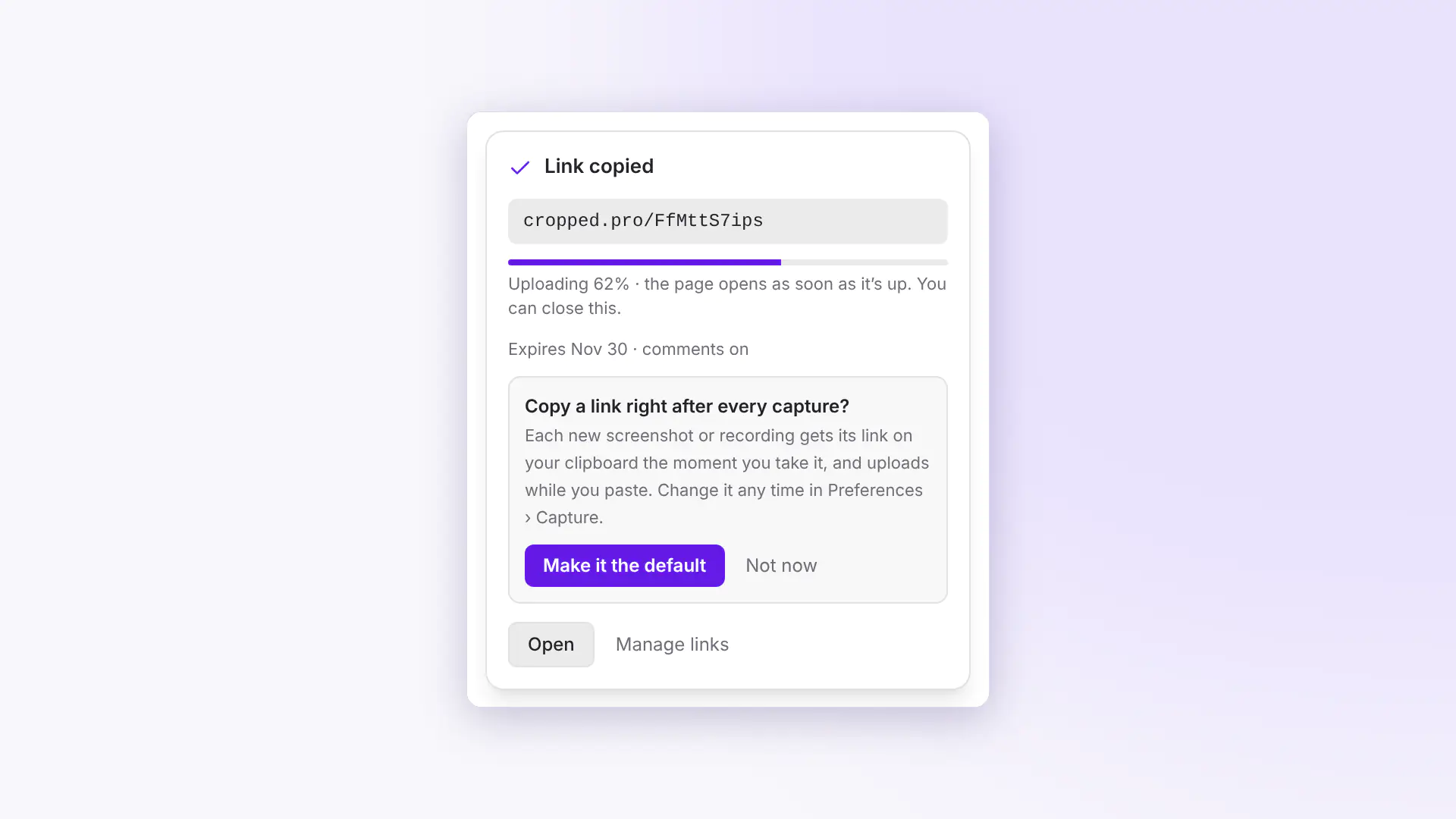
Click Copy link and the link is on your clipboard straight away. The file uploads while you paste it, and anyone who opens the link early sees "Almost here…" until it's ready. Turn on Copy a share link in Preferences › Capture to get a link after every capture. Links take the name and description the Drop Zone shows, and a link you already sent picks up a new name when you change it.
#Clean microphone sound on a Mac
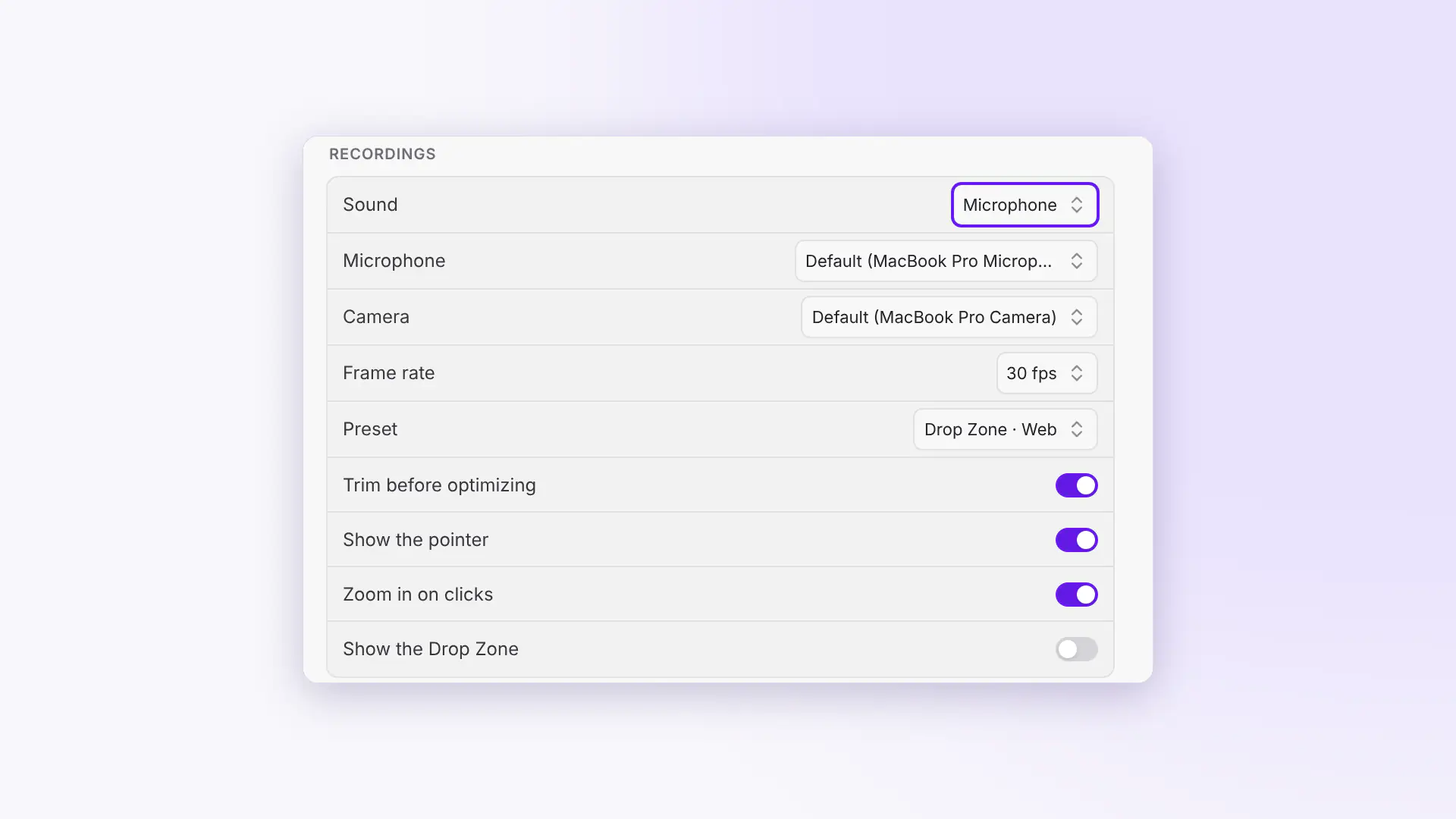
Recordings on a Mac with a USB audio interface, such as a Focusrite Scarlett, no longer come out as loud static. Recording the microphone works on macOS 14 as well as macOS 15 and later. You can pick your microphone on Mac, Windows and Linux, and the camera for the bubble on a Mac, in Preferences › Capture.
#Also new this week
- Check for updates any time by clicking the version number at the bottom of the queue, and restart into the new version right there.
- Keep editing while Optimize & Save runs, with a progress pill and a cancel button in the top bar.
- Picture, file or both. After a capture, choose to copy the picture, the file or both. The picture is the default.
- Bug reports have their own tab in Preferences, and Your reports shows when each one was received and resolved.
- Mac window screenshots sit centered with an even shadow, and padding lines meet the real window edge.
- Use your own AI key with Gemini, Claude, OpenAI or any OpenAI-compatible service, such as OpenRouter or a model on your own computer.
#On cropped.app
cropped.app has a whole new look, designed by our new Co-Founder, Jeff Black. Pricing shows free Core next to Pro, and Compare puts Cropped side by side with 13 other tools, from CleanShot X and Snagit to Loom and TinyPNG. Help search works better on phones too.
This round-up covers Cropped 0.3.50 to 0.3.54. Every change is listed on Updates.
More from the blog
All posts-
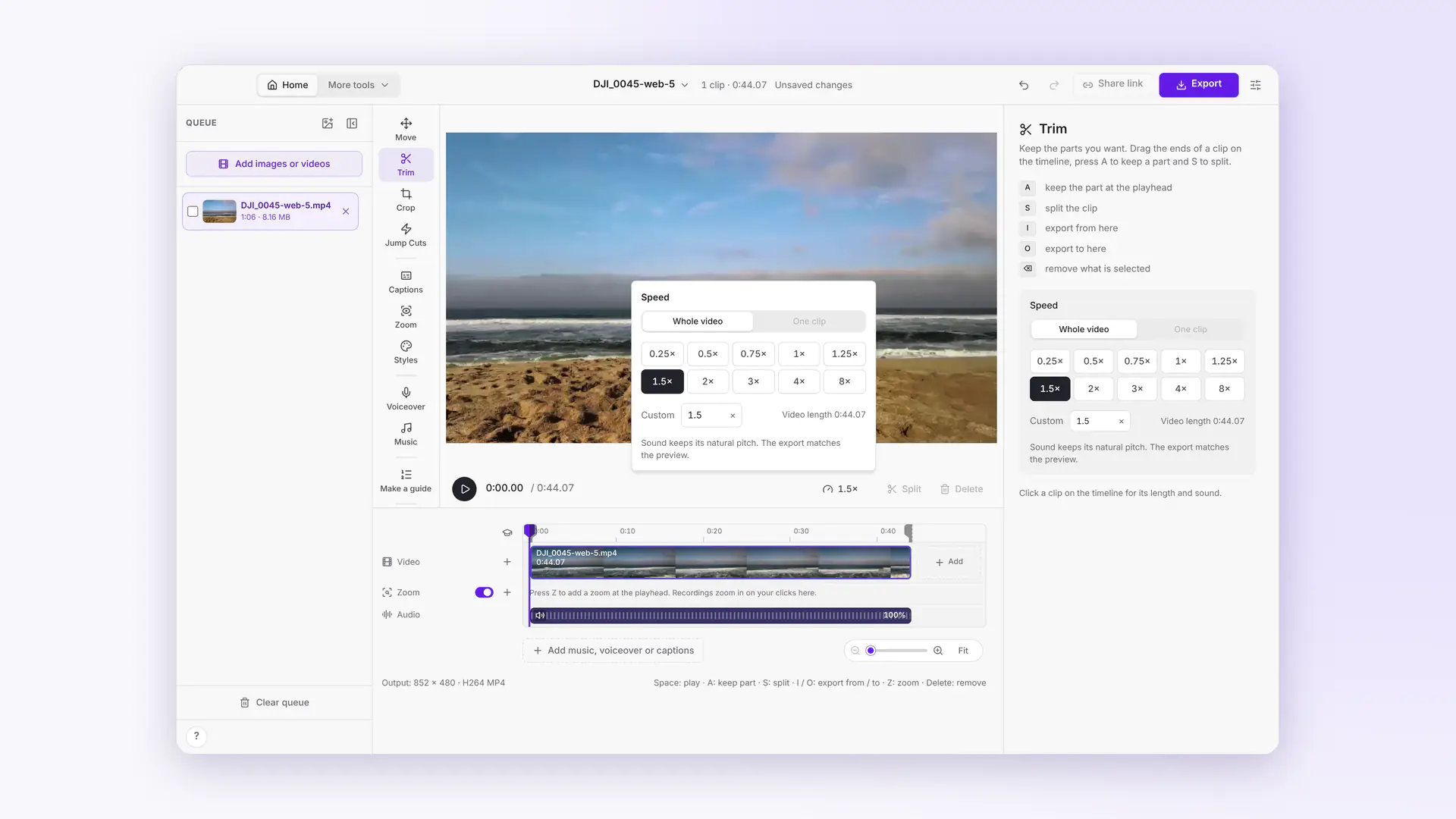 This week in Cropped: smaller videos, a Speed button, Move and Cropped music
Dropped videos come out at least 25% smaller, a Speed button speeds up any clip, Move drags and sizes the video on the preview, Styles gets soft edges, and the Studio has its own music.
-
 Cropped 0.3.59: Simple Cropped, Annotate tabs and full-page website shots
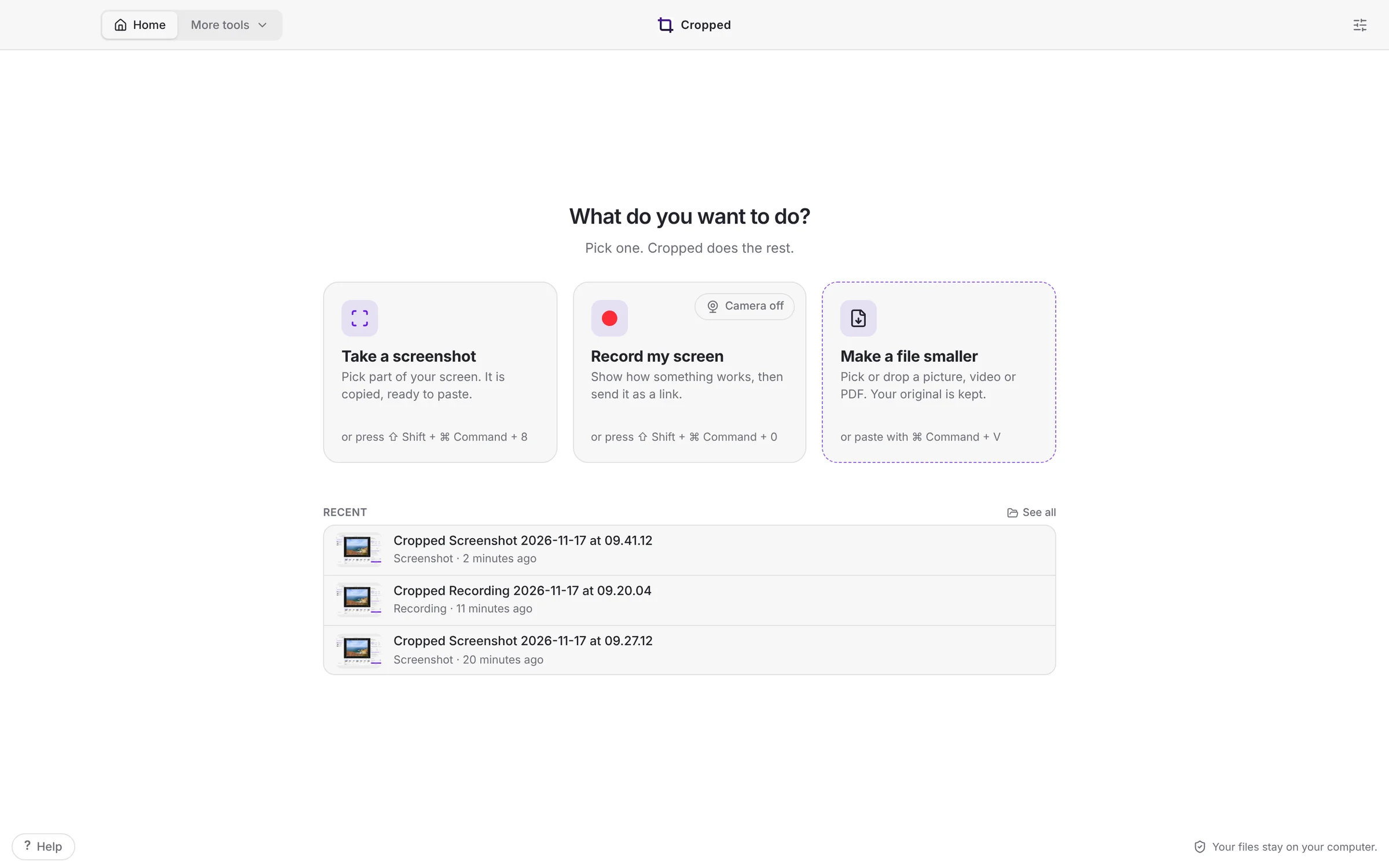
Cropped opens on three jobs, takes the screenshot the moment you let go, opens every screenshot in its own Annotate tab, captures whole web pages, copies the text in any picture, and finishes your Figma videos.
-
 This week in Cropped: camera looks, a calmer Video Studio, guides from any video and AI Packs
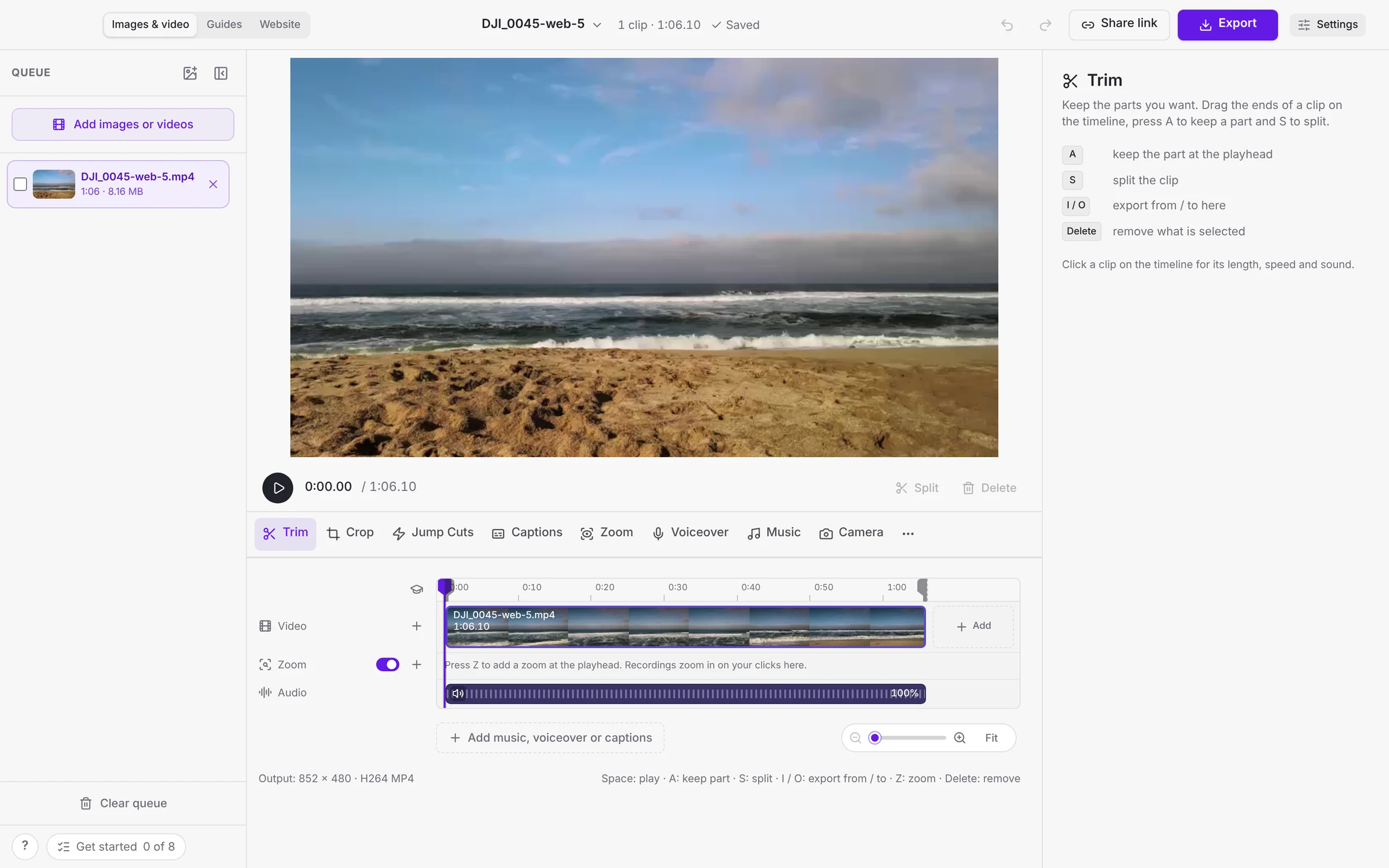
Your camera becomes its own track with smooth looks, videos get styles, the Video Studio has one tool row, any video becomes a guide, and screenshots become AI Packs.
-
Cropped 0.3.56: a calmer Video Studio, setup in one screen, and guides from any video
The Video Studio has one tool row and Export in the title bar, Cropped sets itself up from one first-launch screen, any video becomes a step-by-step guide or document, and the image editor fits in one toolbar.