 Cropped
Help
Cropped
Help
Help / Start here
Install Cropped on a Mac
Cropped installs like most Mac apps: open the download, drag Cropped into Applications, and open it. It's for Apple Silicon Macs (M1 or later) on macOS 14 Sonoma or later. See System requirements.
Install
- Download Cropped for Mac. Your browser saves a file ending in .dmg to Downloads.
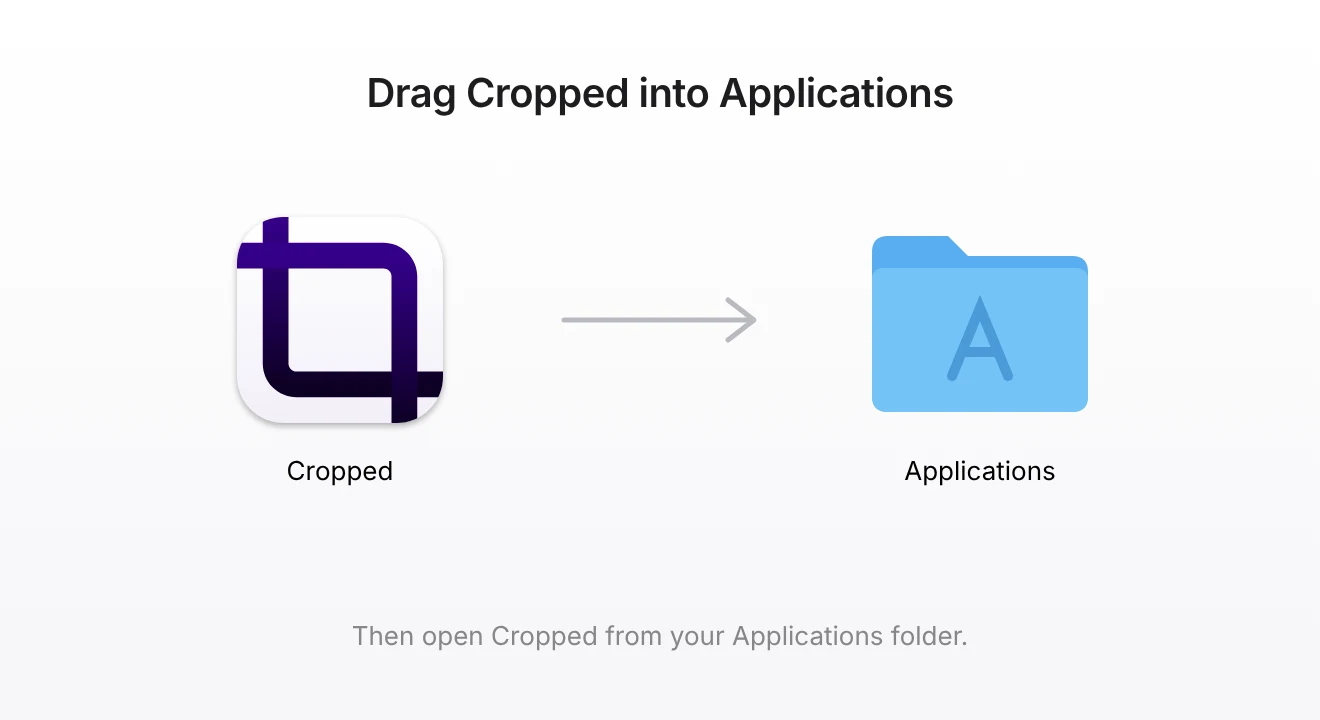
- Open the DMG. A window shows Cropped and your Applications folder.
- Drag Cropped onto Applications.
- Open Cropped from Applications, Launchpad or Spotlight (⌘ Command + Space, then type Cropped).
macOS says Cropped was downloaded from the internet and asks if you want to open it. Click Open. Cropped is signed and notarized by Apple, so this is the only question; you never need Open Anyway in System Settings.
After that, you can eject the disk image (drag it to the Trash, or click ⏏ next to it in Finder) and delete the DMG from Downloads.
If you open Cropped without moving it
If you double-click Cropped in the disk image window, or Cropped is still in Downloads, it asks once: Move Cropped to your Applications folder?
- Move to Applications copies Cropped there, reopens it from Applications and ejects the disk image. A copy in Downloads goes to the Trash. If an older Cropped is already in Applications, it's replaced and your settings and license stay.
- Not Now keeps Cropped where it is and doesn't ask again for that copy. Cropped works, but it can't update itself from a disk image, so move it before the next update.
Permissions
Cropped doesn't ask for any permission when it first opens. Editing, optimizing and the Drop Zone work without any.
macOS asks the first time you use a feature that needs one:
| Permission | Asked when you… |
|---|---|
| Screen Recording | Take your first screenshot or recording. Cropped shows a card with Open System Settings; turn on Cropped, then quit and reopen it. |
| Microphone | Record with your microphone or a voiceover. |
| Camera | Turn on the camera bubble in a recording. |
| Accessibility | Capture only the webpage in another browser. Whole-window capture doesn't need it. |
Review all of them anytime in Preferences › App › Permissions & privacy setup, or change them in System Settings › Privacy & Security.
Updates
Cropped updates itself. When a new version is ready, click Restart to update. You don't need to download the DMG again. See Install app updates.
Remove Cropped
Quit Cropped, then drag Cropped from Applications to the Trash. Your settings and saved files stay on your Mac in case you reinstall. Your license frees this computer's place on its own 30 days after it was last used; see License.
Still stuck? Click the ? button at the bottom left of the Cropped Studio to ask, send us a message, or request a feature.